EasyManua.ls Logo

M-Audio Black Box - User Manual

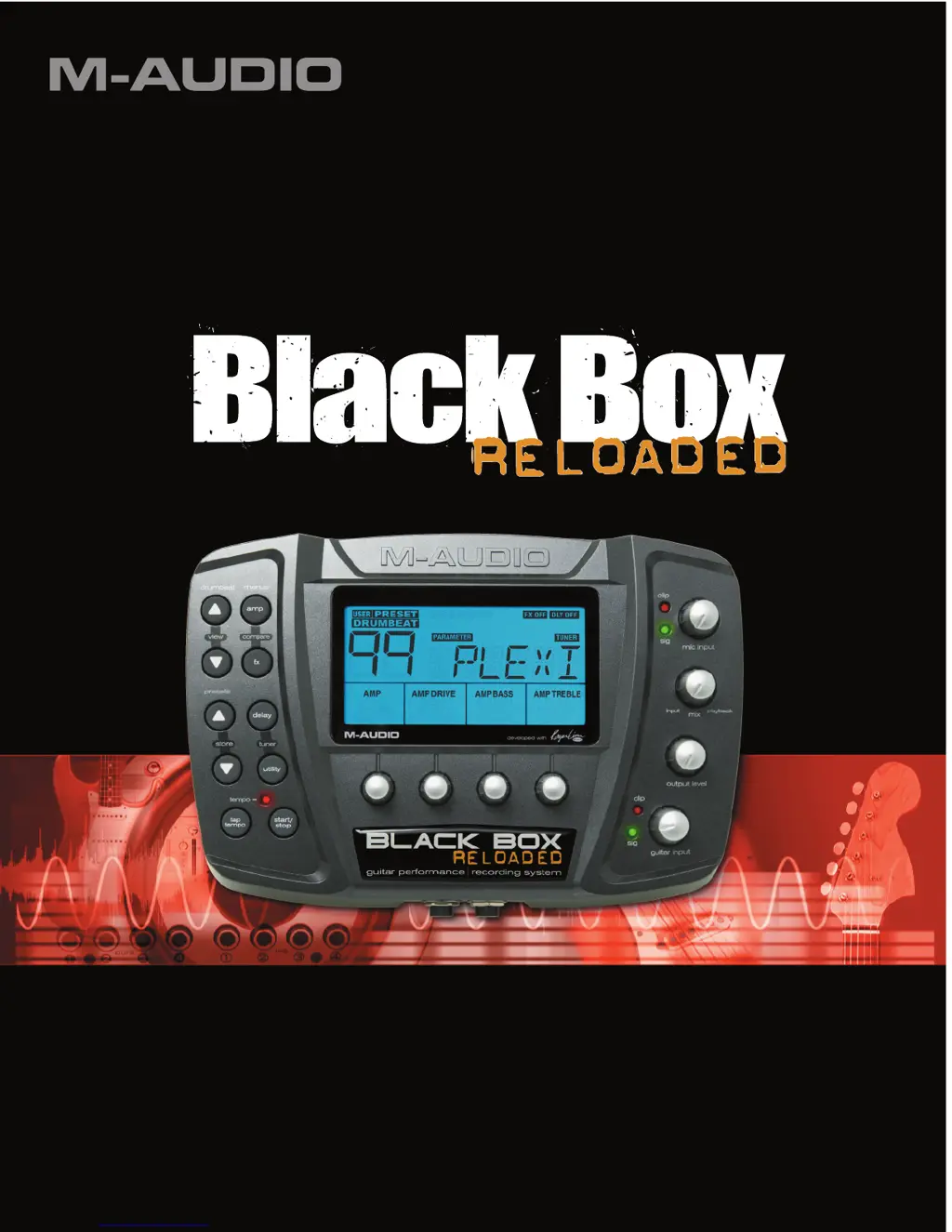
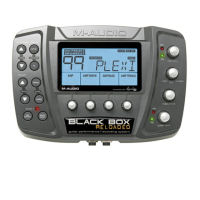
M-Audio Black Box
56 pages
Print Icon
To Next Page IconTo Next Page
Loading...
User Guide
English
Reloaded: with updated firmware and additional features.

Other manuals for M-Audio Black Box

Questions and Answers

  • S
    smithleslieJul 30, 2025
    How to troubleshoot no sound on M-Audio Black Box Recording Equipment?
    • L
      Laura WhitakerJul 30, 2025
      If you're not getting any sound from your M-Audio Recording Equipment, try these steps: * Ensure your Input/Playback knob is correctly set and the output level knob is turned up. * Verify you're plugged into the right input jack and the input level knob is also up. * If you only hear some instruments (like drums but not guitar), check the GTR/DRM BAL parameter in the Utility menu. * Confirm that the Black Box drivers are properly installed. * Make sure your audio software is set up correctly to use the Black Box. * Check your signal path. * Check all audio connections to ensure everything is plugged in correctly.
  • L
    Lisa DennisAug 12, 2025
    What to do if M-Audio Black Box Recording Equipment recordings have clicks and pops?
    • A
      Amy BarryAug 12, 2025
      If your M-Audio Recording Equipment recordings have clicks and pops, there are a couple of things you can check: * First, ensure your input signal levels aren't too high, as overdriving the inputs can cause distortion and clipping. * Also, try using a larger buffer size.

Summary

Introduction to M-Audio Black Box

Whats Included in the Box

Lists all items provided in the M-Audio Black Box package.

Minimum Computer System Requirements

Specifies the necessary computer hardware and operating system for optimal use.

New Version 2 Firmware Features

Highlights the enhancements and new features of the Black Box's version 2 firmware.

Front Panel Connectors

Rear Panel Connectors

Top Panel Controls and Indicators

Editing Guitar Amp and Compression Settings

Amp Descriptions

Provides detailed descriptions of the 40 guitar amp models and their inspirations.

Modulation and Filter Effects Editing

Modulation and Filter Effect Descriptions

Details the 121 beat-synced modulation and filter effects available.

Editing Delay and Reverb Parameters

Configuring Black Box Utilities

Preset Volume and Noise Gate Settings

Adjusts preset volume and manages background noise with a gate.

Guitar;Drums Balance and Drumbeat Linking

Controls signal balance and assigns drumbeats to presets.

Expression Pedal and Tempo Settings

Assigns expression pedal functions and manages tempo source selection.

Foot Switch Pedal Configuration

Accessing Shift Parameters

Tuner and Preset Management

Tuner Functionality

Details how to use the built-in chromatic tuner for guitar and bass.

Storing and Naming Presets

Explains the process of saving and naming custom presets on the device.

Initializing to Factory Settings

Describes how to reset the Black Box to its original factory default configuration.

Connecting Black Box to Computer

Using the Black Box as an Interface

Explains how to leverage the Black Box's audio/MIDI interface capabilities.

Understanding Audio Latency

Discusses audio latency issues and how the Black Box minimizes them.

MIDI Clock Synchronization

Covers syncing the Black Box with external MIDI clocks from DAWs.

Driver Installation Guide

Windows XP Driver Installation

Step-by-step instructions for installing drivers on Windows XP systems.

Mac OS X Driver Installation

Instructions for installing M-Audio drivers on Mac OS X operating systems.

Black Box Control Panel Operations

Effects and MIDI Settings Page

Configures input sources, timing, and MIDI channels for effects processing.

Windows Latency Configuration

Adjusts buffer sizes to manage latency on Windows systems.

Presets and Firmware Management

Manages preset saving/loading and firmware updates for the device.

Device Information and Support

Displays device version information and provides links to support resources.

Recording and Usage Scenarios

Recording with Digital Audio Workstations

Guides on integrating the Black Box with DAWs for recording.

Using Mic and Guitar Inputs

Details connecting and setting input levels for microphone and instrument signals.

Input Monitoring for Recording

Explains balancing input and playback signals during recording sessions.

Troubleshooting Common Issues

Product Warranty Information

Technical Specifications

MIDI Implementation Charts

Channel Mode MIDI Messages

Details recognized channel mode messages for MIDI control.

System Common MIDI Messages

Defines system common messages for MIDI synchronization and control.

System Real Time MIDI Messages

Describes real-time MIDI messages for timing and transport control.

System Exclusive (SysEx) Messages

Identity Request and Reply Messages

Defines SysEx messages for device identification and version information.

Parameter and Preset Transmission

Details SysEx messages for transmitting single parameters and entire presets.

Requesting MIDI Data

SysEx messages for requesting stored presets and selecting drumbeats.

Managing Preset and Main Parameters

SysEx messages for selecting presets, requesting/transmitting edit buffers and main parameters.

Preset Data Management Commands

Copying Factory to User Presets

Copies factory presets to user slots and resets main parameters.

Copying User to Factory Presets

Copies user presets to factory preset locations.

Data Structures

Preset Data Structure Details

Defines the byte-level structure and parameter mapping for each preset.

Global Settings Data Structure

Details the byte structure for global settings like tempo, gate, and I/O routing.

7-Bit Data Packing Scheme

M-Audio Black Box Specifications

General IconGeneral
Audio Outputs2 x 1/4" TRS, 1 x 1/4" Headphone
Phantom PowerYes
Bit Depth24-bit
Sample Rate44.1 kHz, 48 kHz
ConnectivityUSB
USB Audio InterfaceYes
Input Channels2
Output Channels2
Audio Inputs1 x 1/4" Instrument
Guitar Amp Models12
SoftwareAbleton Live Lite
USBUSB 1.1
CompatibilityWindows, macOS
TypeMulti-Effects Processor / USB Audio Interface

Related product manuals