17
It can be changed later by the B.Beat Man-
ager software.
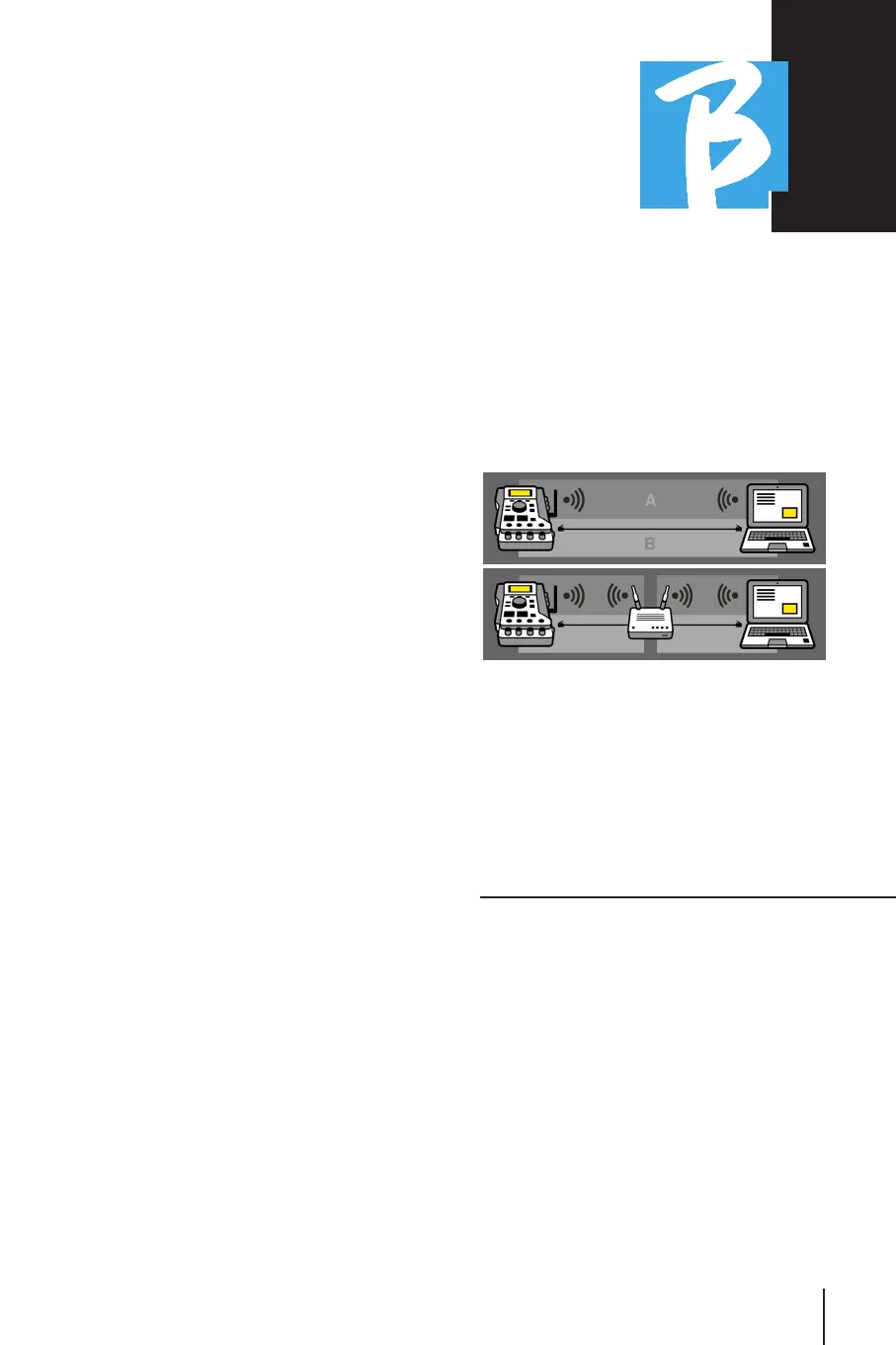
To connect B.Beat to the Wi Fi network To connect B.Beat to the Wi Fi network
we suggest this procedure [optional Wi Fi we suggest this procedure [optional Wi Fi
Stick required]: Stick required]:
1.Insert Wi Fi Stick on B.Beat
2.Connect the B.Beat to the pc via the
provided Ethernet cable (or via hotspot as
above)
3.open B.Beat manager on pc and connect
to B.Beat (see above)
4.in the Software click on options (gear
icon in the upper right corner)
5.open the "networks" tab
6.select the wi-fi network you want to con-
nect to
7.type the password of the Wi Fi network
in use
8.click on save and connect
9.Your B.Beat is connected to the Wi Fi
network in use (if you are connected to
the PC on Hotspot at this point the con-
nection to B.Beat will be cut off but you
can re-enable it as above)
10.disconnect the Ethernet cable from B.Beat
11.also connect your pc to the wi-fi net-
work (if you have not already done so)
12.open the B.Beat manager on the pc
and connect to the B.Beat in the new Wi
Fi network in use.
The mentioned procedure also applies to
Hotspot networks generated by Smart
Phone or Tablet.
From now on, the network data (address
and password) are stored on B.Beat, which
will automatically recognize the network.
This solution is perfect when you are us-
ing B.Beat at home and want to use Wi Fi.
To transfer a large number of Backing
Tracks and Videos we recommend using
the Network cable connection mode. The
network connection ensures maximum
speed and reliability when passing data.
INSTALLATION OF INSTALLATION OF
B.BEAT MANAGER SOFTWAREB.BEAT MANAGER SOFTWARE
The B.Beat manager software is available
in two versions for two operating sys-
tems:
Windows 7 and following - macOS 10.15
Catalina and following. Full compatibility
is not guaranteed on earlier systems. The
software can be downloaded for free from
this address
Windows
https://download.m-live.com/download/
bbeat/manager/bbeat_manager_win.exe
Mac
https://download.m-live.com/download/
bbeat/manager/bbeat_manager_mac.dmg



 To Next Page