27
Confirm with F3 [Remove] in the next
confirmation screen, or F1 [Cancel] to
cancel the choice.
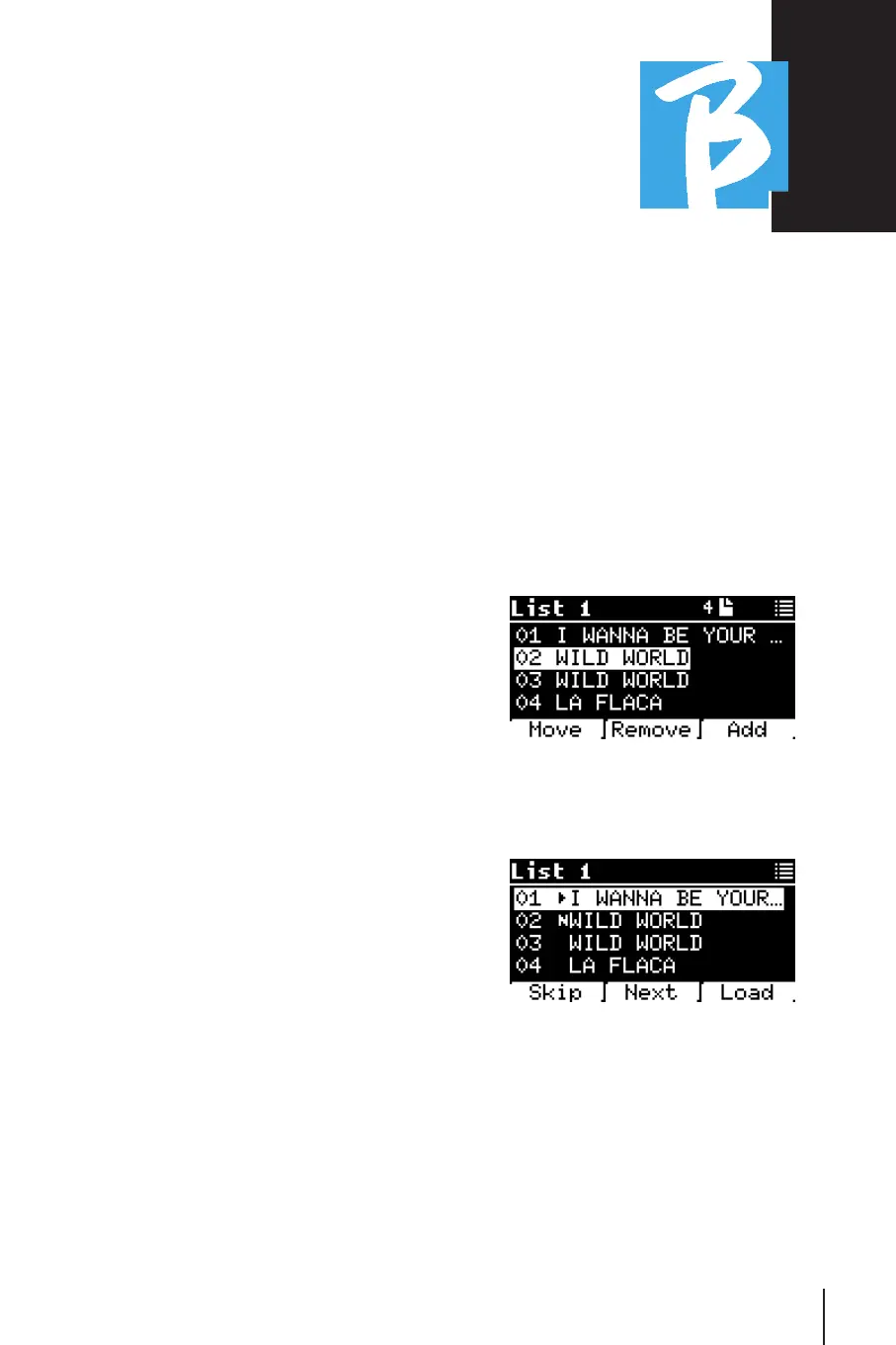
To add a Song to the Playlist:To add a Song to the Playlist:
Press F3 [ADD] the page will move inside
the LIBRARY and you can select the Song
to be added to the Playlist by scrolling
through the list via [Alpha Dial] or [Up
Down].
Once you have found the Song to add
press F3 [ADD] to add the song or F1
[CANCEL] to cancel the operation.
The Song will automatically be added to
the bottom of the Playlist. Then it can be
moved with the MOVE function.
PLAYLIST > F2 DELETEPLAYLIST > F2 DELETE
To delete a Playlist.
Select the Playlist you want to delete via
[ALPHA] or [Up down]. Press F2 [Delete]
and a screen will appear asking for confir-
mation: Press F3 [ Delete] to delete the
Playlist, press F1 [Cancel] to cancel the
operation.
PLAYLIST > F3 NEWPLAYLIST > F3 NEW
Press F3 [NEW] to create a new Playlist.
The new playlist will automatically be
named LIST # since on B.BEAT there is no
way to name items. At a later time we can
change its name from the B.BEAT Manager
software.
PLAY A PLAYLISTPLAY A PLAYLIST
We have seen how to create, edit, search
and select a Playlist. Now let's see what
we can do while a Playlist is running.
Let's select a Playlist and load it into
memory using the F3 [LOAD] key. At that
point we can start the Playlist at will. The
Player screen appears as shown below:
Pressing ENTER takes you to the display
of the Playlist, and the songs in the play-
list.
From this screen there are three possible
functions:



 To Next Page