HIFACE EVO TWO
UNIVERSAL D-TO-D CONVERTER
REVISION P
R
A – AUGUST 2015
Copyright © 2015, M2Tech Srl
34
www.m2tech.biz
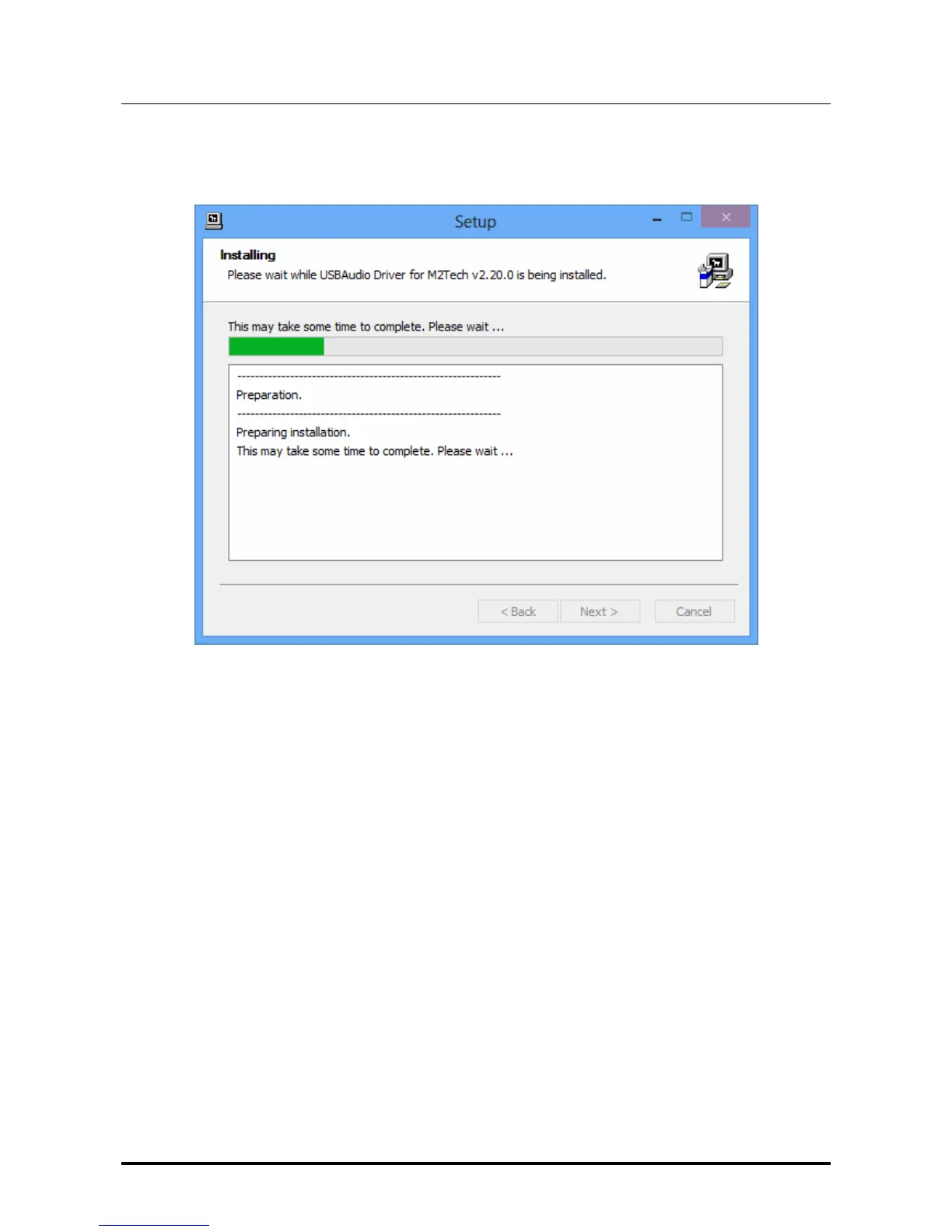
If the window shown in Fig. 15a has appeared and the user has clicked on the “Install”
button, the installation procedure goes on and a new window appears that shows the
progress of the installation of the various files which make the driver, as shown in Fig. 16.
Figure 16
At the end of installation, the windows will show the complete list of installed files and will
enable the buttons located in the lower right angle of the window border, as shown in Fig.
17.



 To Next Page