HIFACE EVO TWO
UNIVERSAL D-TO-D CONVERTER
REVISION P
R
A – AUGUST 2015
Copyright © 2015, M2Tech Srl
53
www.m2tech.biz
10. Updating the HIFACE Evo Two
HIFACE Evo TwoHIFACE Evo Two
HIFACE Evo Two firmware
The user can update the firmware of the
HIFACE EVO TWO
straight from her/his Windows
PC. To this purpose it is necessary to download the latest firmware from M2Tech website
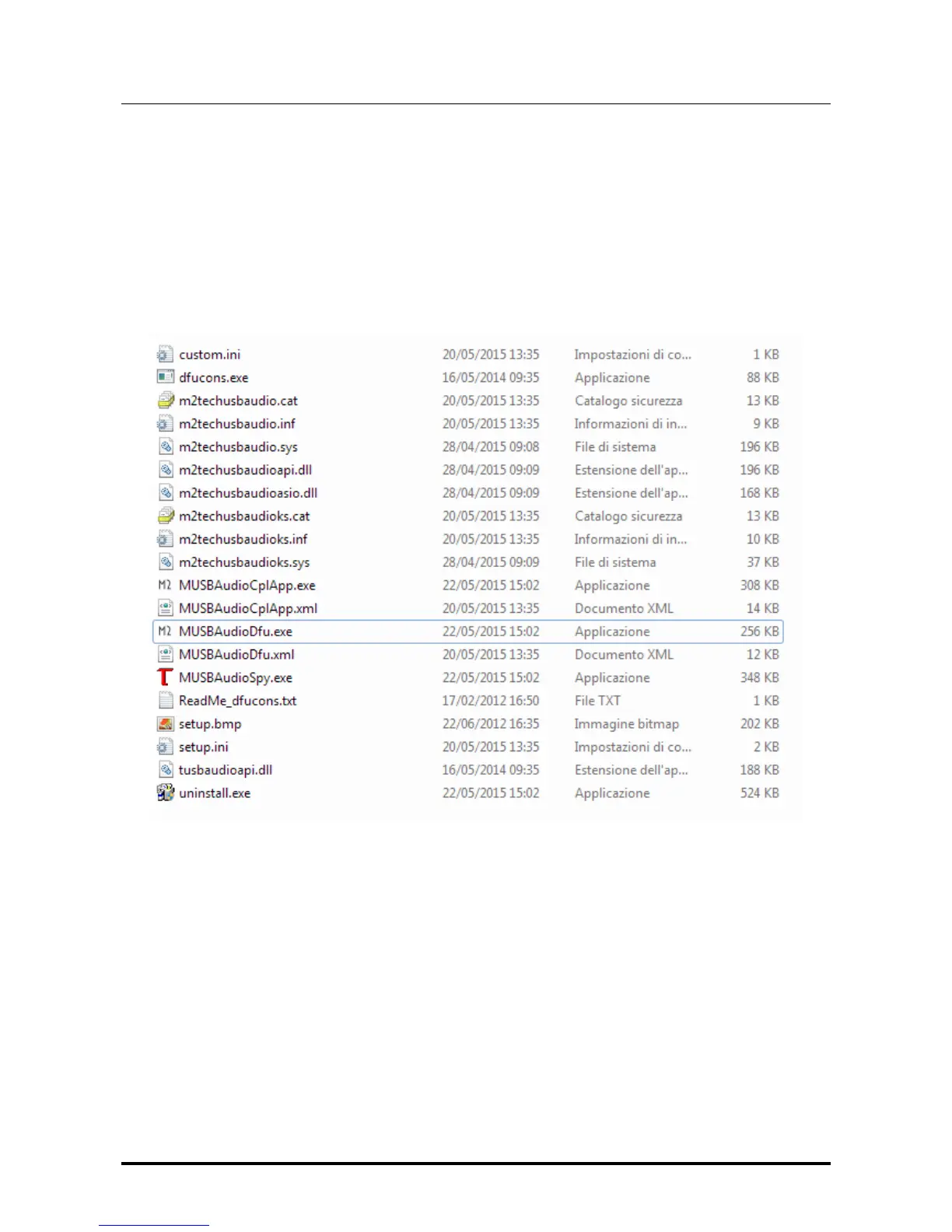
and use the app named "MUSBAudioDfu.exe" which can be found in the "C:\Program
Files\M2Tech\M2TECH_USBAudio_Driver" folder (unless the user, during driver
installation, has chosen a different destination folder).
Figure 42
Fig. 42 shows the list of files in the folder above, in which the app is highlighted.
Once the app is launched, the window in Fig. 43 appears.


 To Next Page