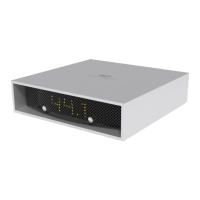
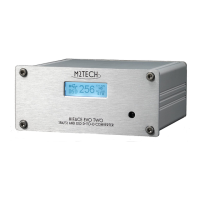
HIFACE EVO TWO
UNIVERSAL D-TO-D CONVERTER
REVISION P
R
A – AUGUST 2015
Copyright © 2015, M2Tech Srl
7
www.m2tech.biz
1. Unpacking and Placing the Unit
Lay the box on a table and open it by separating it from the external paperwork and
removing or cutting the adhesive tape seal. The following items are included:
• one HIFACE EVO TWO;
• one 9V wall adaptor;
• one remote control.
Should one or more item be missing, please contact your retail dealer. Please note no
clock cable is provided; the user is free to choose her/his favourite.
Remove the HIFACE EVO TWO from the foam enclosure and place it onto a stable base, far
from heat sources. Avoid full sunlight on the unit. Allow for ample room around the unit for
venting.
Avoid smoke, moisture, dirt and liquids from reaching the unit. Please note that any signs
of abuse will void warranty coverage.
Do not place the unit on thick carpets or inside a box or piece of furniture, not even close
to curtains.


 To Next Page