HIFACE EVO TWO
UNIVERSAL D-TO-D CONVERTER
REVISION P
R
A – AUGUST 2015
Copyright © 2015, M2Tech Srl
38
www.m2tech.biz
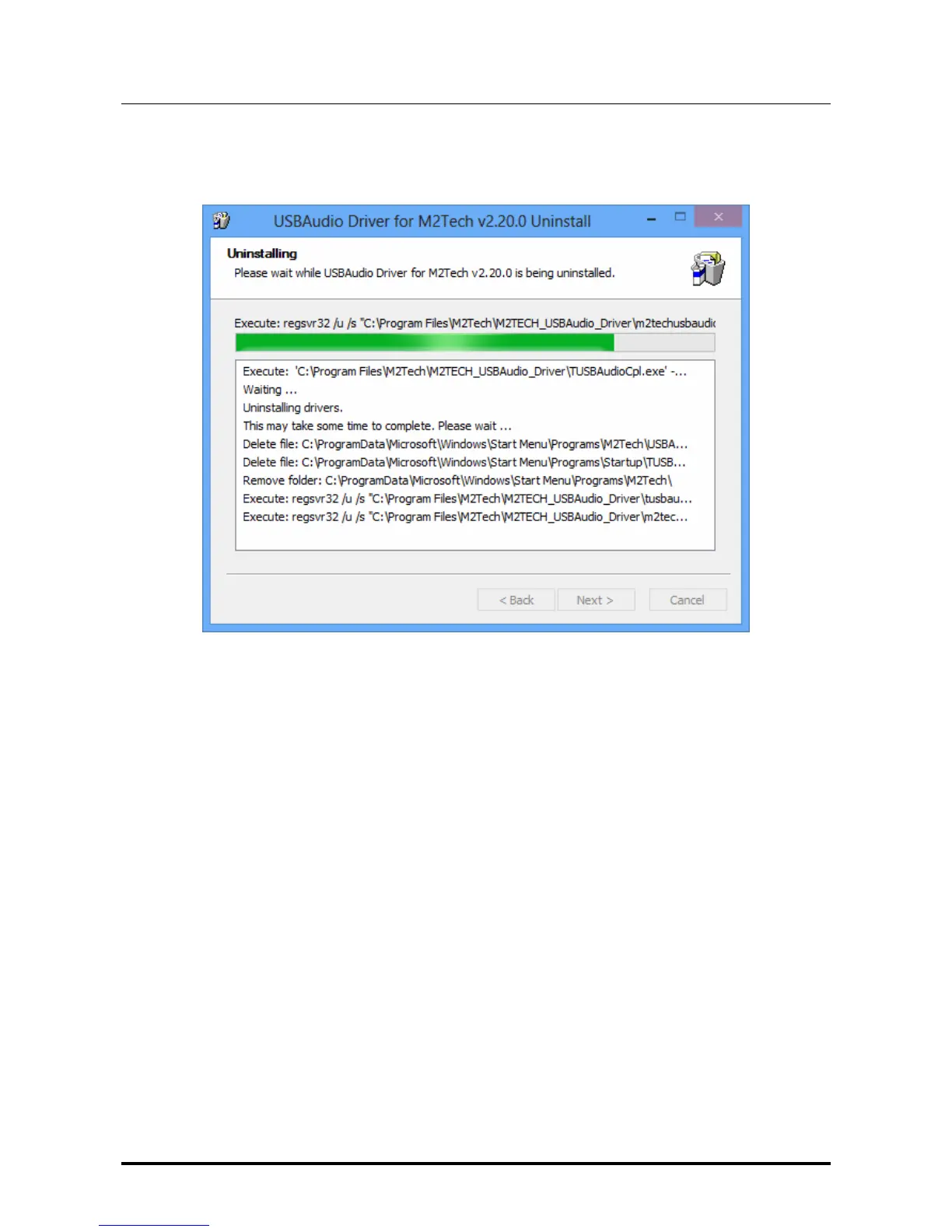
It’s sufficient to click on the “Uninstall” button to start uninstall. A windows appears that
shows the uninstall progress, like as shown in Fig. 22.
Figure 22
At uninstall completion, the window will show the entire list of deleted files and will enable
the buttons located to the lower right corner of the window border, as shown in Fig. 23.


 To Next Page