SL20 Series
User Manual
12
1.3 Turning the Device On/Off
1.3.1 Turning the Device On
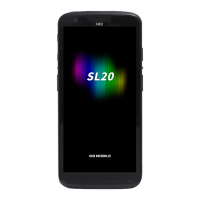
Press and hold Power button until the device vibrates. This will turn the device on and initial
screen will display.
If the battery is completely discharged, problems may occur when the device is
turned on. If a problem occurs, charge the battery before turning on the device
again.


 To Next Page
 Loading...