SL20 Series
User Manual
34
The latest OS is described on the online support page of M3 Mobile.
The OS of M3 SL20 can be updated through two methods.
Use Micro-SD card
Connect the device via Ethernet cradle
For detailed information on OS update, please refer to the “OS” item of the M3 FAQ (FAQ
download
).
4.2 Key Setting Conversion
M3 SL20 allows a user to change and modify key settings for user convenience.
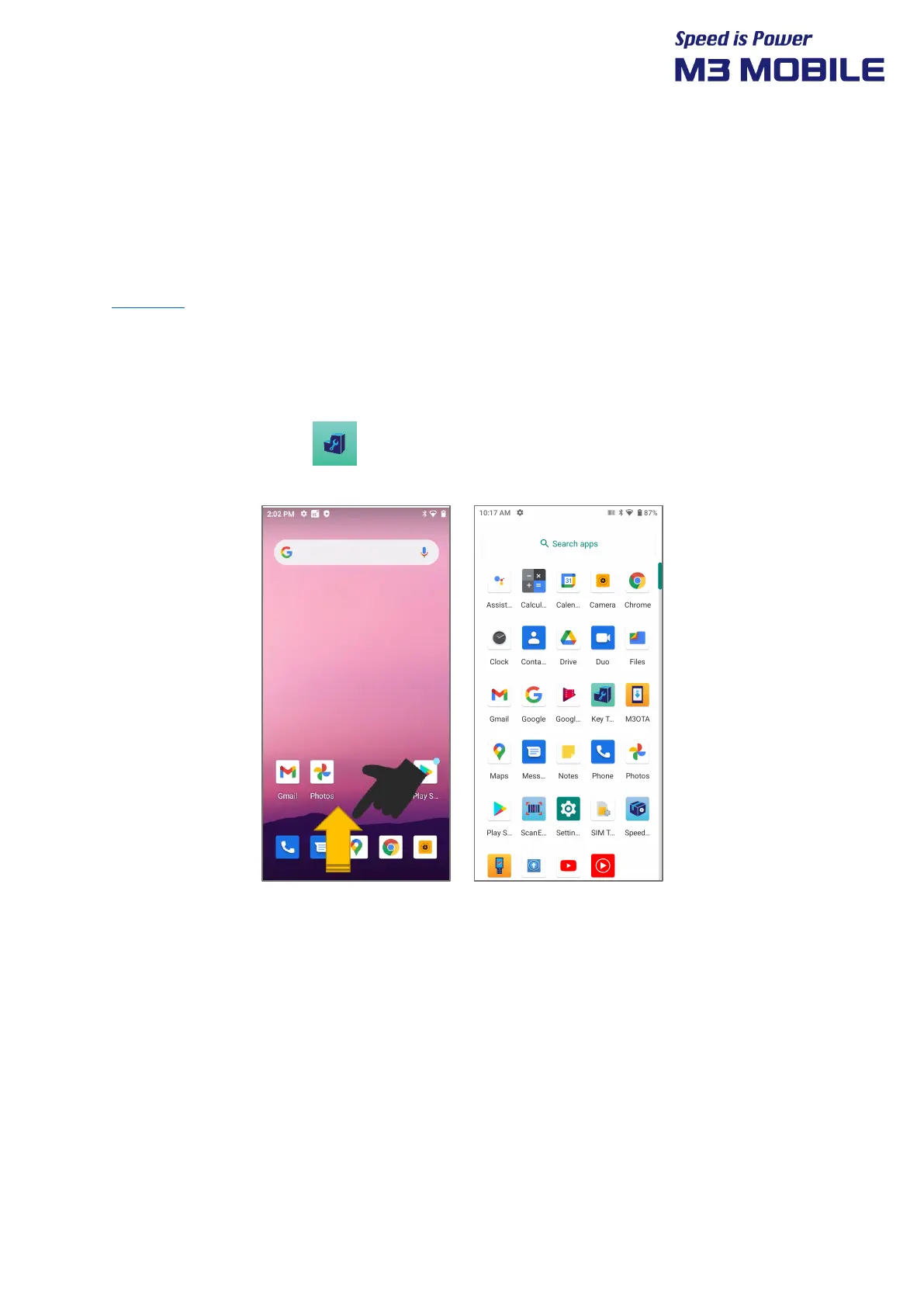
Swipe the bottom Click KeyTool application.


 To Next Page
 Loading...