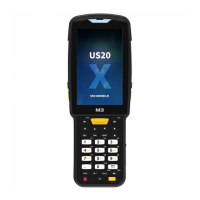
US20 Series
User Manual
23
Google Play
Get your music, movies, TV, books, magazines, apps, and
games all in one place.
2.3.4 Dock Bar
Shortcut icons can be placed on the lower section to rapidly execute frequently used
programs. On the Dock Bar, up to five shortcut icons may be added or deleted.
Phone Receive or make a call.
Calendar Set, manage, or reserve a schedule.
Contacts Manage address book.
Message Receive or send a text message.
Camera Take photos or record videos.
2.4 Data Input
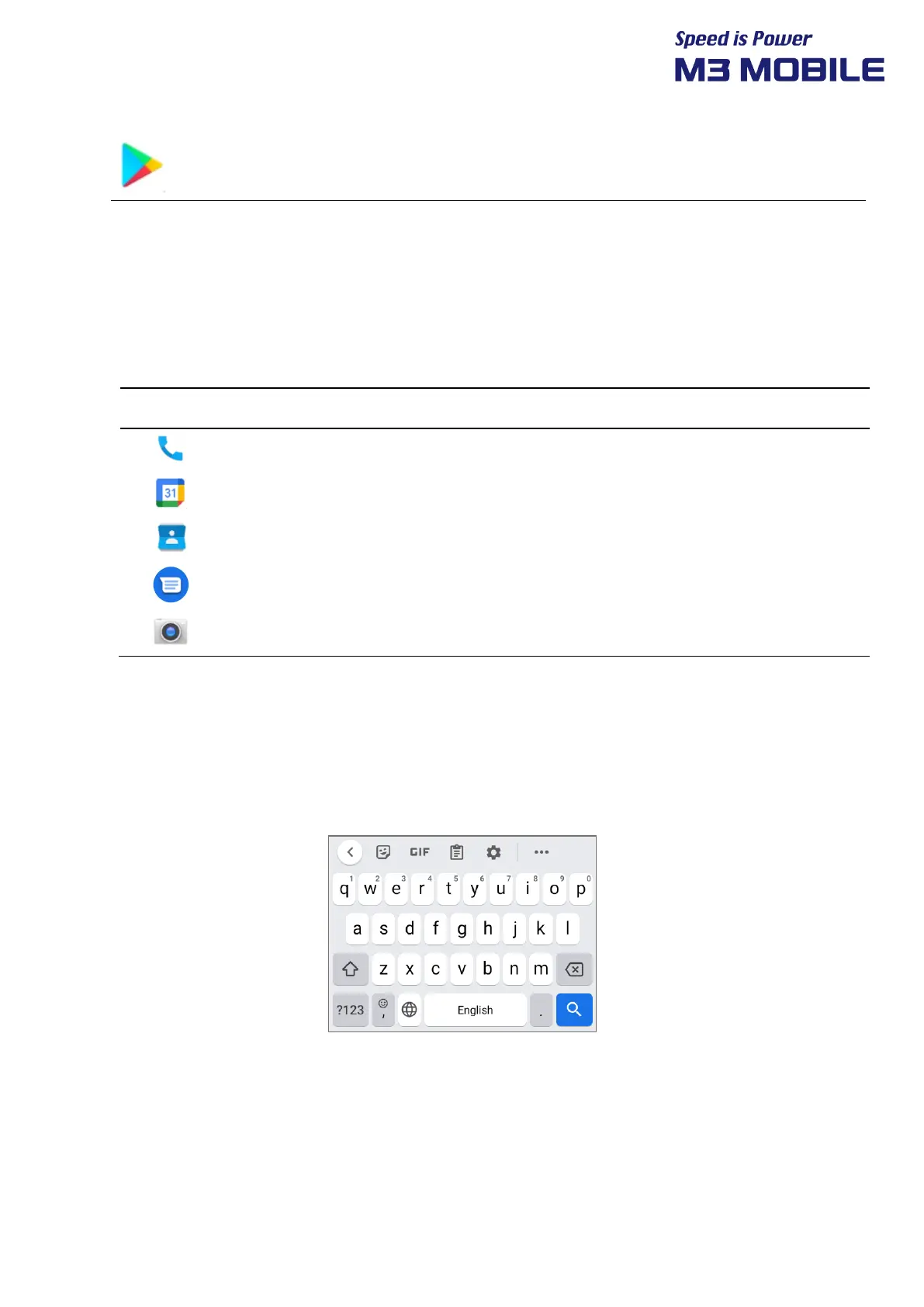
2.4.1 Virtual Keyboard
If focus is placed on the input screen, the virtual keyboard will be automatically displayed.


 To Next Page
 Loading...