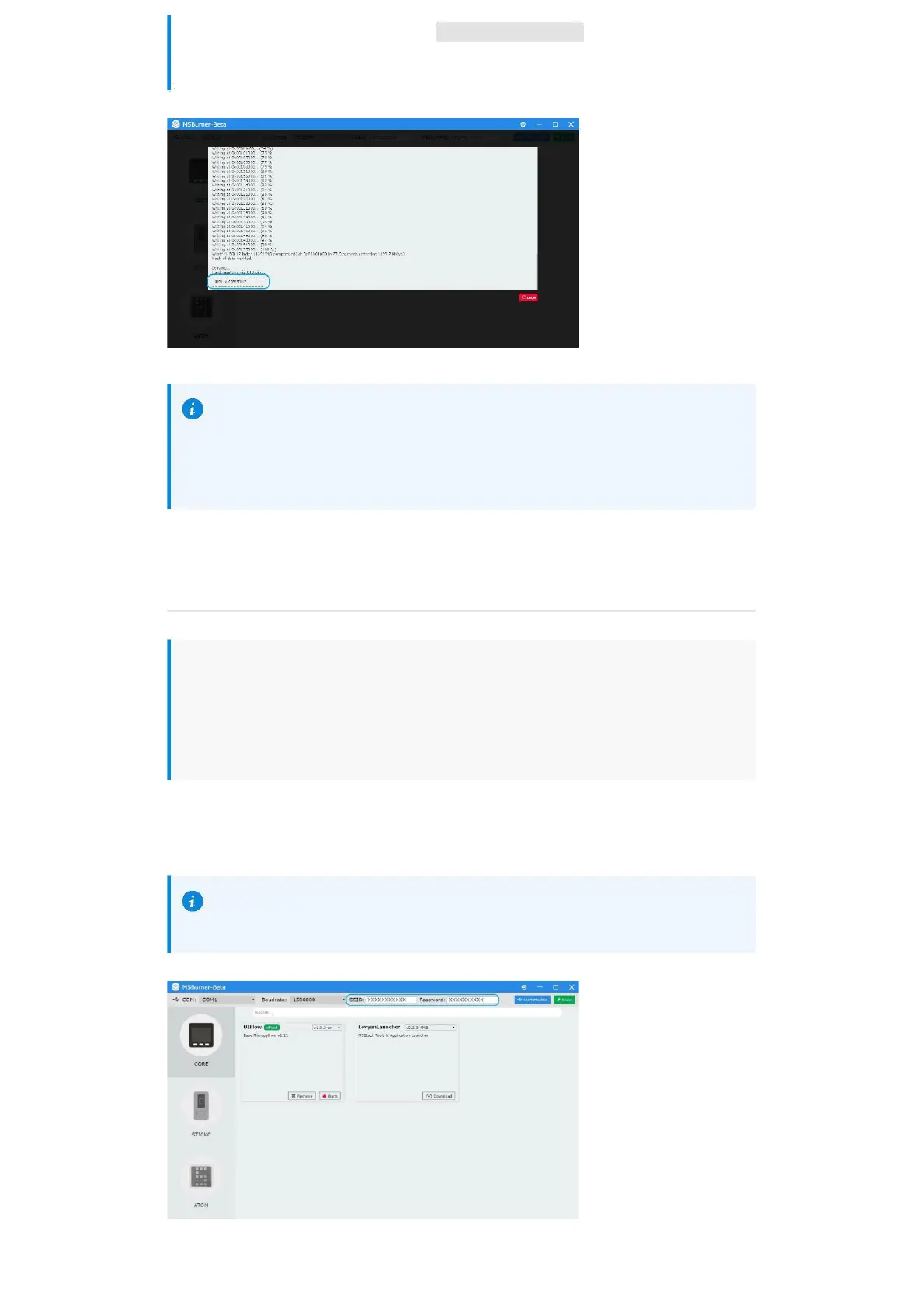
3.When the burning log prompts Burn Successfully , it means that the firmware has
been burned.
When first burning or the firmware program runs abnormally, you can click
"Erase" to erase the flash memory. In the subsequent firmware update, there is
no need to erase again, otherwise the saved Wi-Fi information will be deleted
and the API Key will be refreshed.
Configure WIFI
UIFlow provides both offline and web version of the programmer. When using the web
version, we need to configure a WiFi connection for the device. The following describes
two ways to configure WiFi connection for the device (Burn configuration and AP
hotspot configuration).
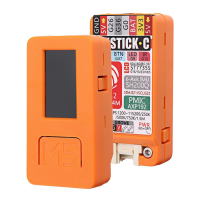
Burn configuration WiFi(recommend)
UIFlow-1.5.4 and versions above can write WiFi information directly through
M5Burner.


 To Next Page