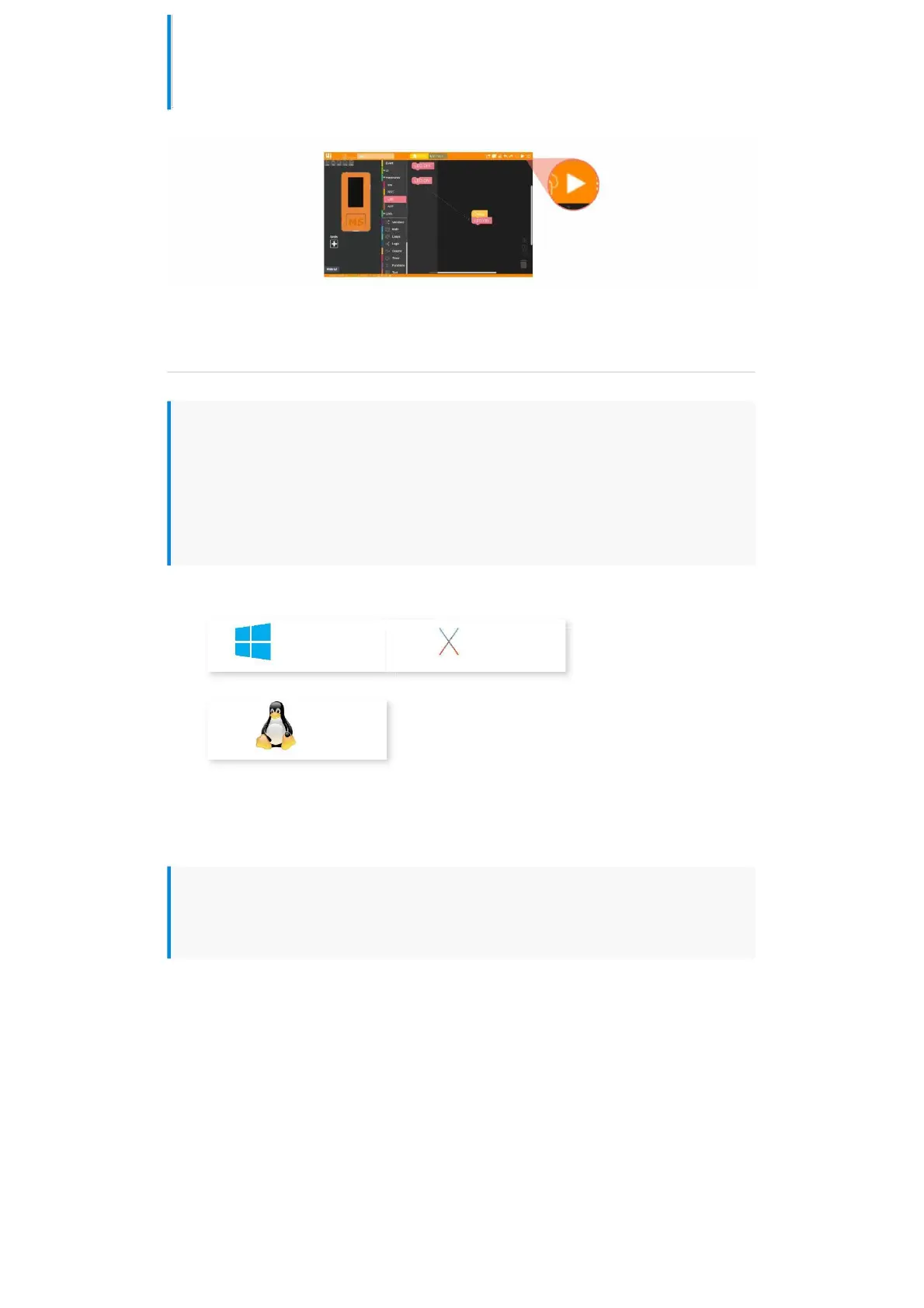
up the LED indicator. (1. Drag the LED to light up the program block. 2. Splice to the
Setup initialization program. 3 Click the Run button in the upper right corner)
UIFlow Desktop IDE
UIFlow Desktop IDE is an offline version of UIFlow programmer which does not require
network connection, and can provide you with responsive program push experience.
Please click the corresponding version of UIFlow-Desktop-IDE to download according
to your operating system .
Windows10 MacOS
Linux
USB programming mode
Unzip the downloaded UIFlow Desktop IDE archive and double-click to run the
application.


 To Next Page