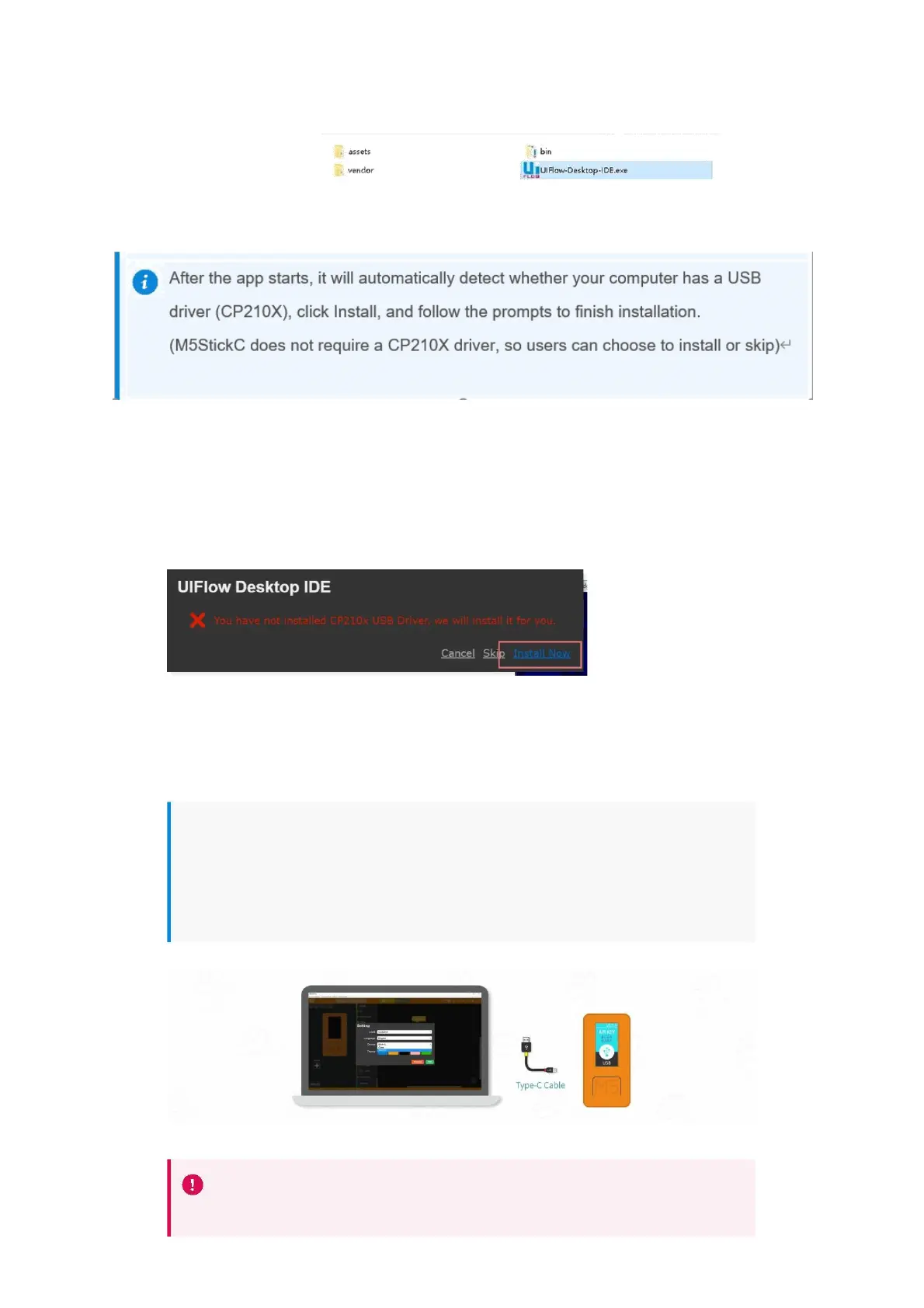
After the app starts, it will automatically detect whether your computer has a USB
driver (CP210X), click Install, and follow the prompts to finish installation.
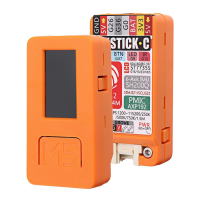
(M5StickC does not require a CP210X driver, so users can choose to install or skip)
After the driver installation is complete, it will automatically enter the UIFlow Desktop
IDE and automatically pop up the configuration box. At this time, connect the M5
device to the computer through the Tpye-C data cable.
Using UIFlow Desktop IDE requires M5 device with UIFlow firmware and enter **
USB programming mode **.


 To Next Page