User guide HC - Copyright © 2008 MAC3. All right reserved.
Disegno 6328
10
Via Baldanzese, 149 50041 Calenzano FI
Tel. 055 8877672 – Fax 8877068
www.mac3.it - e-mail: mac3@mac3.it
HC displays
6
:
ONLY FOR THREE PHASE PUMPS
check the correct sense of rotation of the pump. If you want to change:
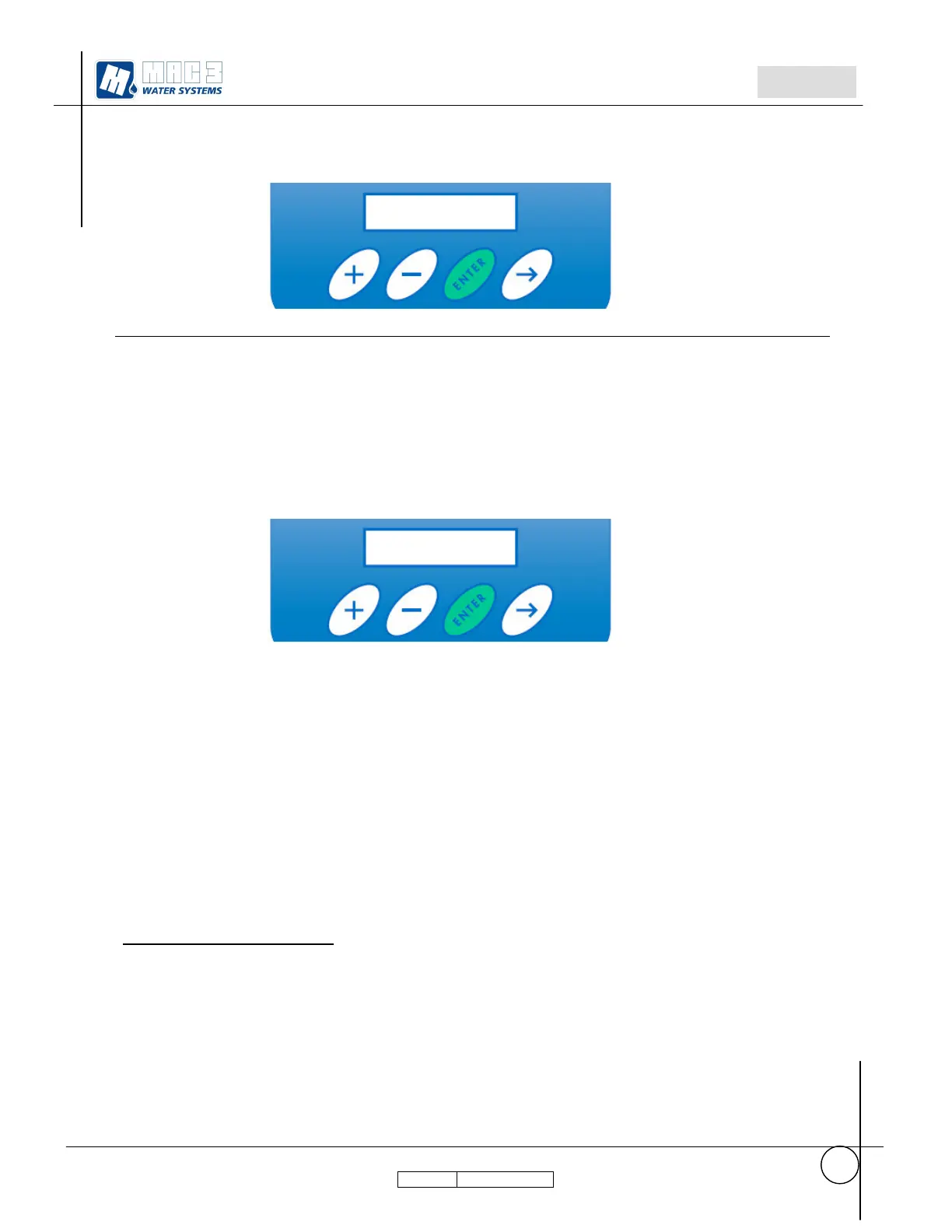
o press key + for about 5 seconds
o With key --> go to the parameter Rotation Sense.
With key + and – set the value desired for rotation sense(0000 or 0001)
o Press ENTER, and keep pressed till it will be displayed “Done.…………”.
6
Different messages displayed indicates errors as described in paragraph 5.1 in the user guide



 To Next Page