User Guide HC - Copyright © 2008 MAC3. All right reserved.
Disegno 6328
32
Via Baldanzese, 149 50041 Calenzano FI
Tel. 055 8877672 – Fax 8877068
www.mac3.it - e-mail: mac3@mac3.it
Start up procedure for HC MM XP/HC MT XP
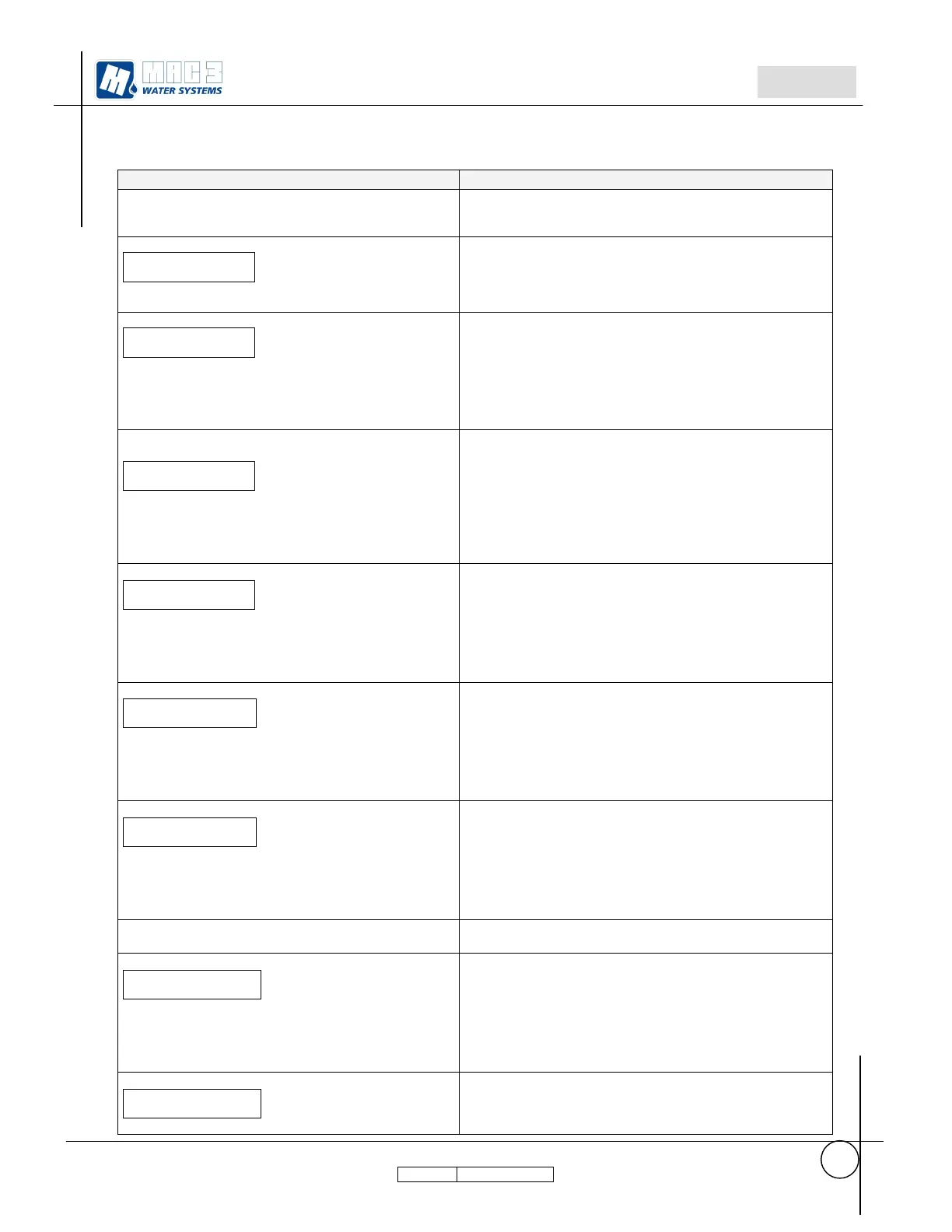
Start up procedure Actions
Power the device HC. After the visualization of
Hydrocontroller model and software version it will be
displayed:
Installation (+)
Start (ENTER)
Press+ and then it passes automatically to:
Press + to start the procedure of installation.
Press ENTER to start the system without doing installation.
Language
English
Pressing ENTER, the value is saved in memory.
Keep pressed ENTER till it will be displayed
“Done.…………”
and then it passes automatically to:
Press + or – to change the language
Parameter set in factory. To change only if master
broken.
Configuration
MASTER
Pressing ENTER, the value is saved in memory.
Keep pressed ENTER till it will be displayed
“Done.…………”
and then it passes automatically to:
Press + or – to change the value:
MASTER,SLAVE1,SLAVE2
Not to be set 2 HC with the same value; only 1 HC must be
set as MASTER.
WARNING. To apply this procedure to the SLAVE disconnect
the plug RS485 before doping the start up procedure.
Motor Power
1700 Watt
Pressing ENTER, the value is saved in memory.
Keep pressed ENTER till it will be displayed
“Done.…………”
and then it passes automatically to:
Press + or – to change the value:
Set the value of electric power written on pumps label
plus 10%.
Max.Motor Current
0.450 Ampere
Pressing ENTER, the value is saved in memory.
Keep pressed ENTER till it will be displayed
“Done.…………”
and then it passes automatically to:
Press + or – to change the value
(for MT model from 0.450 to 8.500 ampere).
(fot MM model from 0.450 to 10.000 ampere)
Insert current value as indicated on the electro-pump plate.
Garden Mode
OFF
Pressing ENTER, the value is saved in memory.
Keep pressed ENTER till it will be displayed
“Done.…………”
and then it passes automatically to:
Press + or – to change the value
ON: active Garden Mode
OFF: deactive Garden mode
If Garden Mode = ON
it passes automatically to:
Sector1 Pressure
1.50 Bar
Pressing ENTER, the value is saved in memory.
Keep pressed ENTER till it will be displayed
“Done.…………”
and then it passes automatically to:
Press + or – to change the value
(from 1.00 to 7.50)
insert the value for irrigation sectors at the first pressure set
point.
Sector2 Pressure
2.00 Bar
Press + or – to change the value
(from 1.00 to 7.50)
insert the value for irrigation sectors at the second pressure
set point.



 To Next Page
 Loading...