12
MACES4C-00 Operator UI manual 12
4 Function buttons
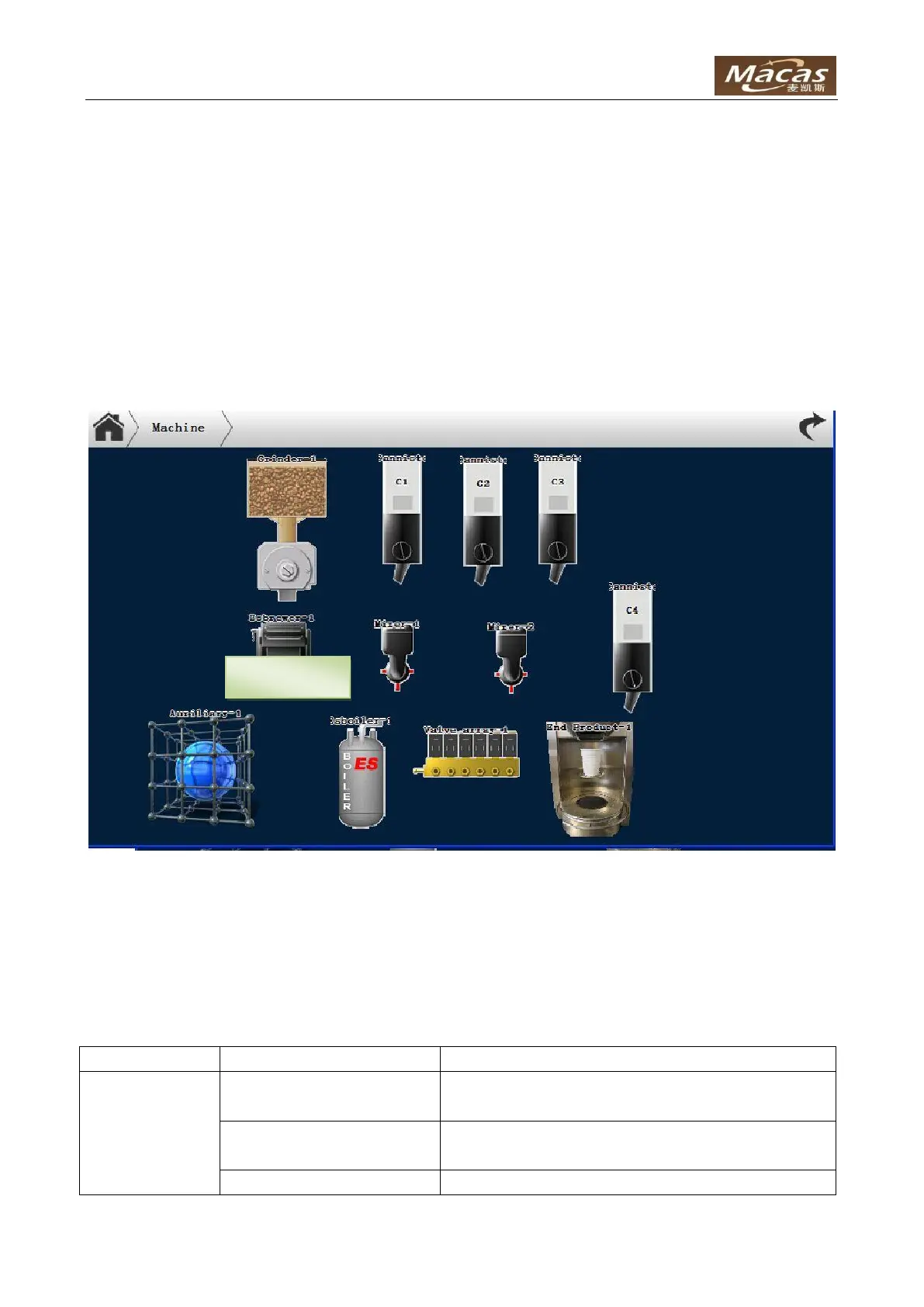
4.1 Machine
The “Machine” button shows all the components in the machine. Besides, door icon can adjust and test
the door component, including lights, lock and escrow motor. The magnifier icon on top right can zoom in
and out.
4.1.1 Adjustments
Note: the machine is well tuned for default value. Please make sure exactly what these adjustments
mean before make some changes.
Set a fix speed to do the "Dosage test".
Default:100
Wait time before sample dosage.
Default:0
The duration for motor movement.



 To Next Page