MACES4C-00 Operator UI manual 39
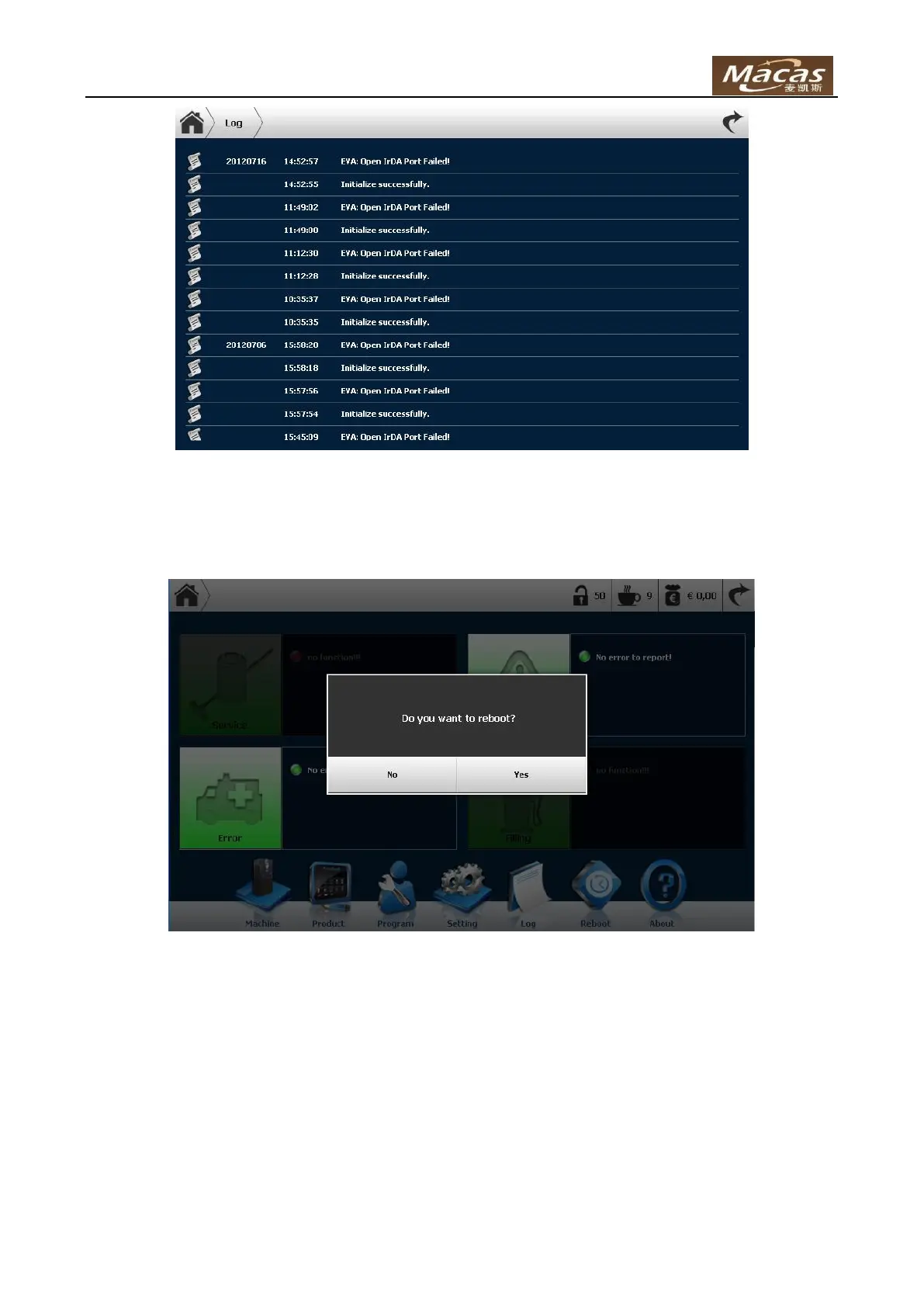
4.6 Reboot
This function is used to reboot the machine:
4.7 Software upgrade
Normally for the software upgrade steps.
Prepare an U disk.
Put the zip compressed file to the U-disk root directory.
Insert the U-disk to machine USB host port, and if the system detect the new software, it
will show a dialog.
Press Yes button to upgrade system software, and wait the machine reboot automatically.
Software upgrading is done.



 To Next Page