26
MACES4C-00 Operator UI manual 26
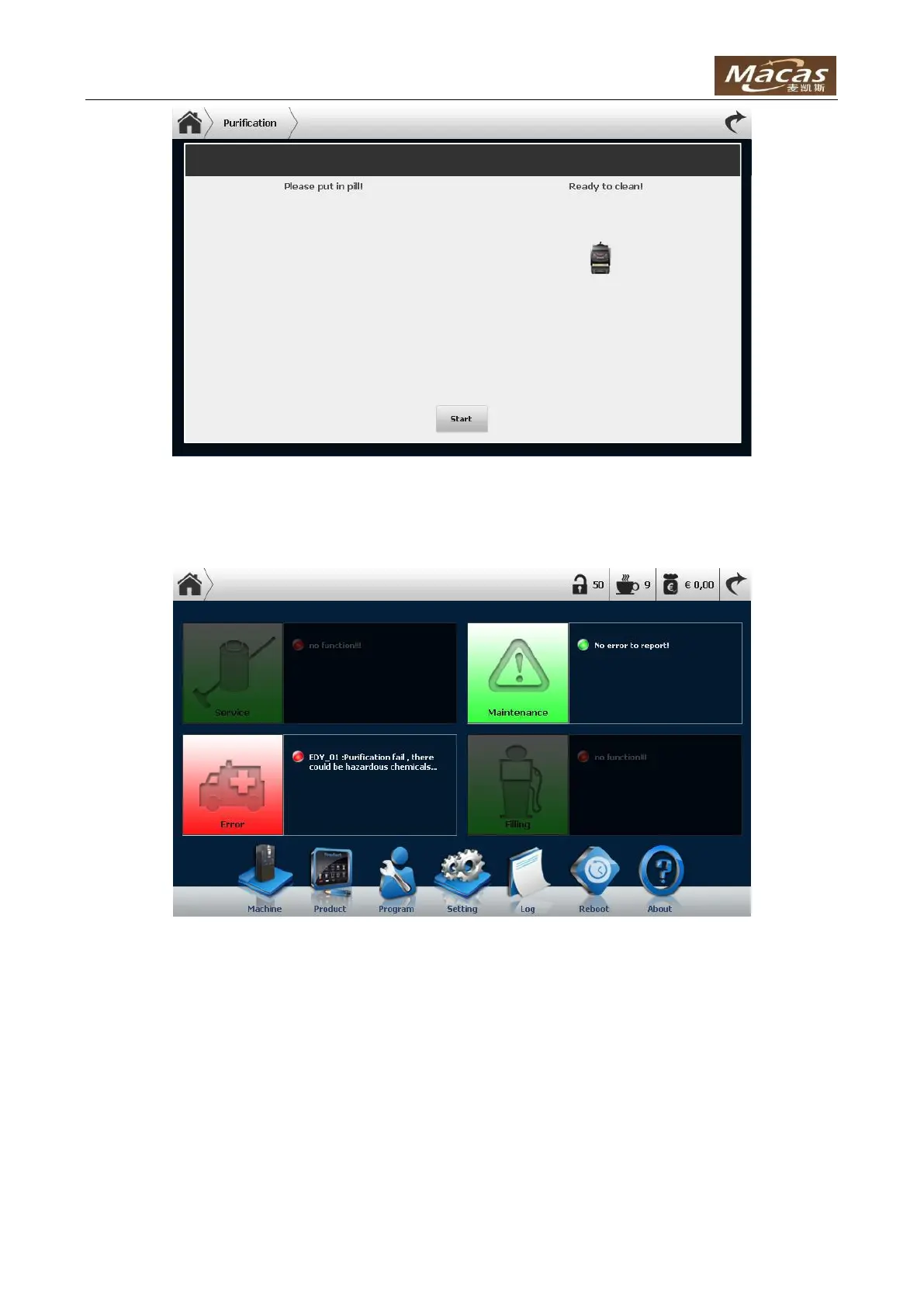
Click the button “Start” to start the purification job.
NOTE: If purification is interrupted, an error would be shown in the log:
This message won’t disappear until a complete purification is finished.
4.3.3 Service On
When click button “Service On”, it means perform maintenance with the door open:



 To Next Page