38
MACES4C-00 Operator UI manual 38
Video – Play videos in turn if possible.
Brightness Bar – Setting for brightness of the display.
Screensaver Dim Percentage – Bars for setting brightness of poster back light, touch screen back light
and outlet light.
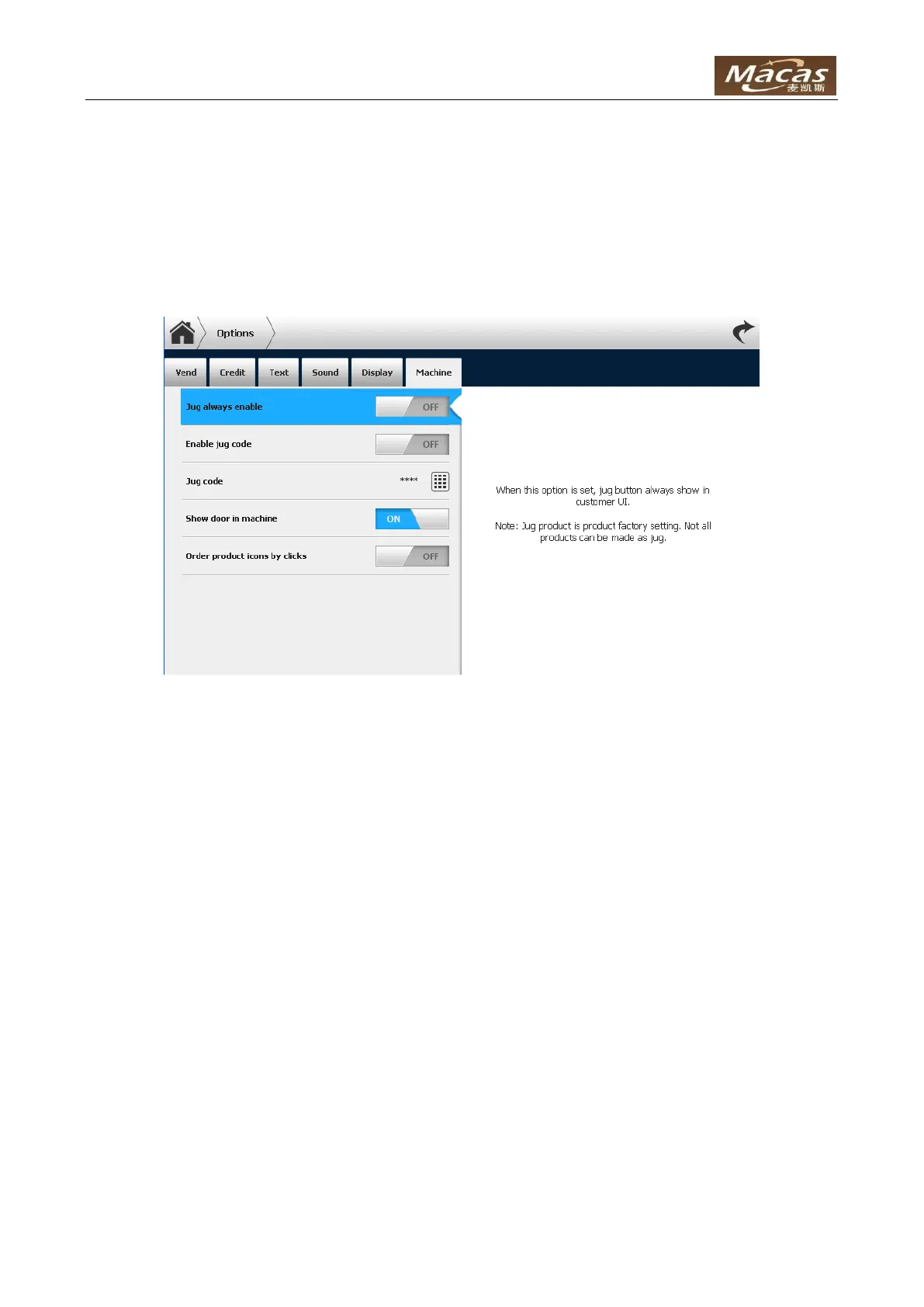
Machine
Jug Always Enable – When this option is set, jug button is always shown in customer UI.
NOTE: Jug product is product factory setting. Not all products can be made in jug mode.
Enable Jug Code –When this option is set, jug button is always shown in customer UI. 4 digit PIN code
must be inputted before make a jug product.
NOTE: Jug product is product factory setting. Not all products can be made in jug mode.
Jug Code – 4 digit PIN code for making jug product in “jug code” mode.
Show Door in Machine – Door icon can be shown in tow places alternatively: in machine view and in
“Program”.
Order Product Icon by Clicks – Sort the product menu icons by the sale amount of products.
4.5 Log
The page shows the log of machine, including status changes and failure information:



 To Next Page