MACES4C-00 Operator UI manual 37
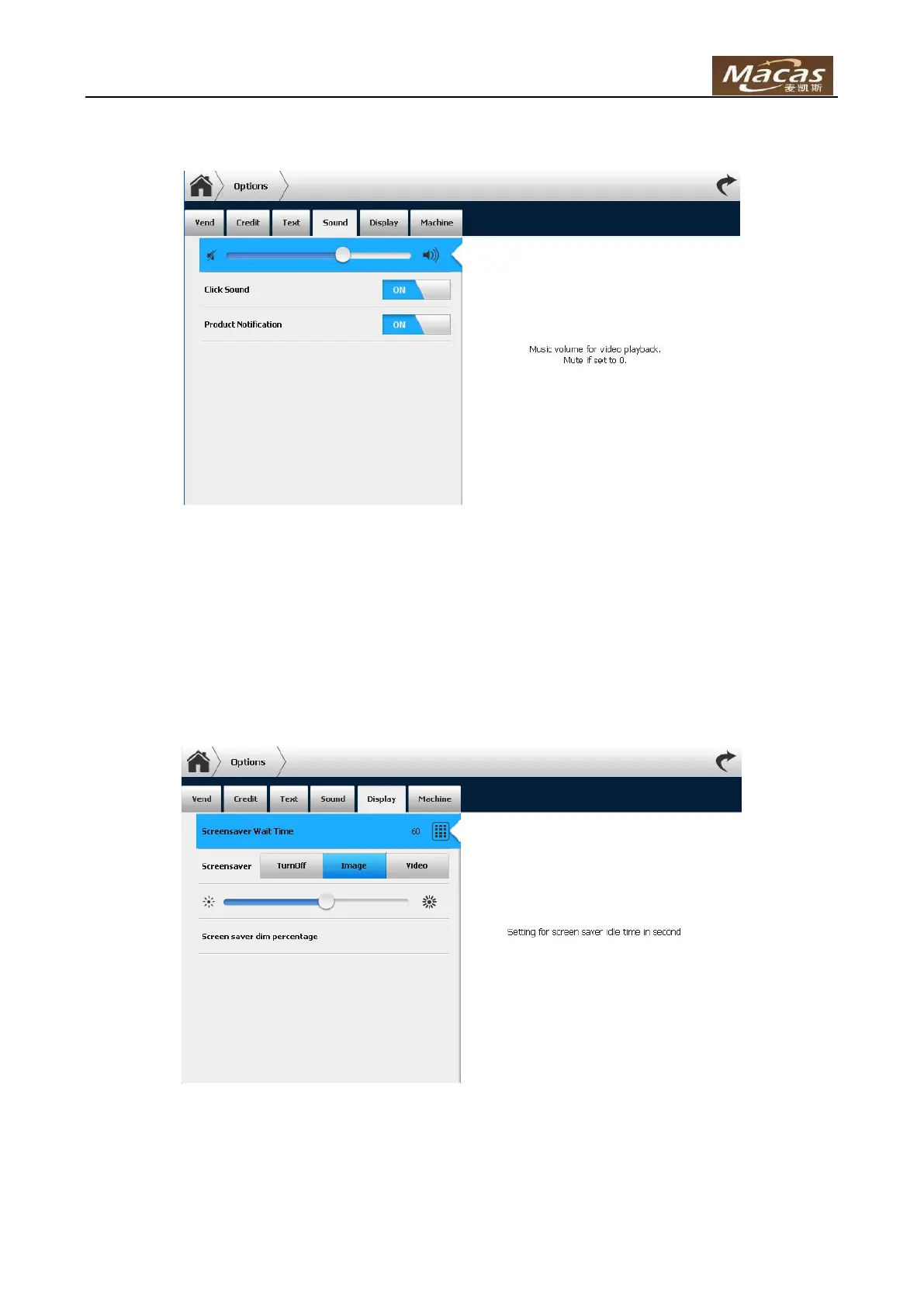
Sound
Volume Bar – Volume for video. Mute if set to 0.
Click Sound – Enable /disable the click sound when touch screen is pressed.
Product Notification - Enable /disable the notification beeps when product is ready.
Display
Screensaver Wait Time – Setting for screensaver idle time in second.
Screensaver –
Turnoff – Turn off the display LCD back light.
Image – Play images in turn if possible.



 To Next Page