16
MACES4C-00 Operator UI manual 16
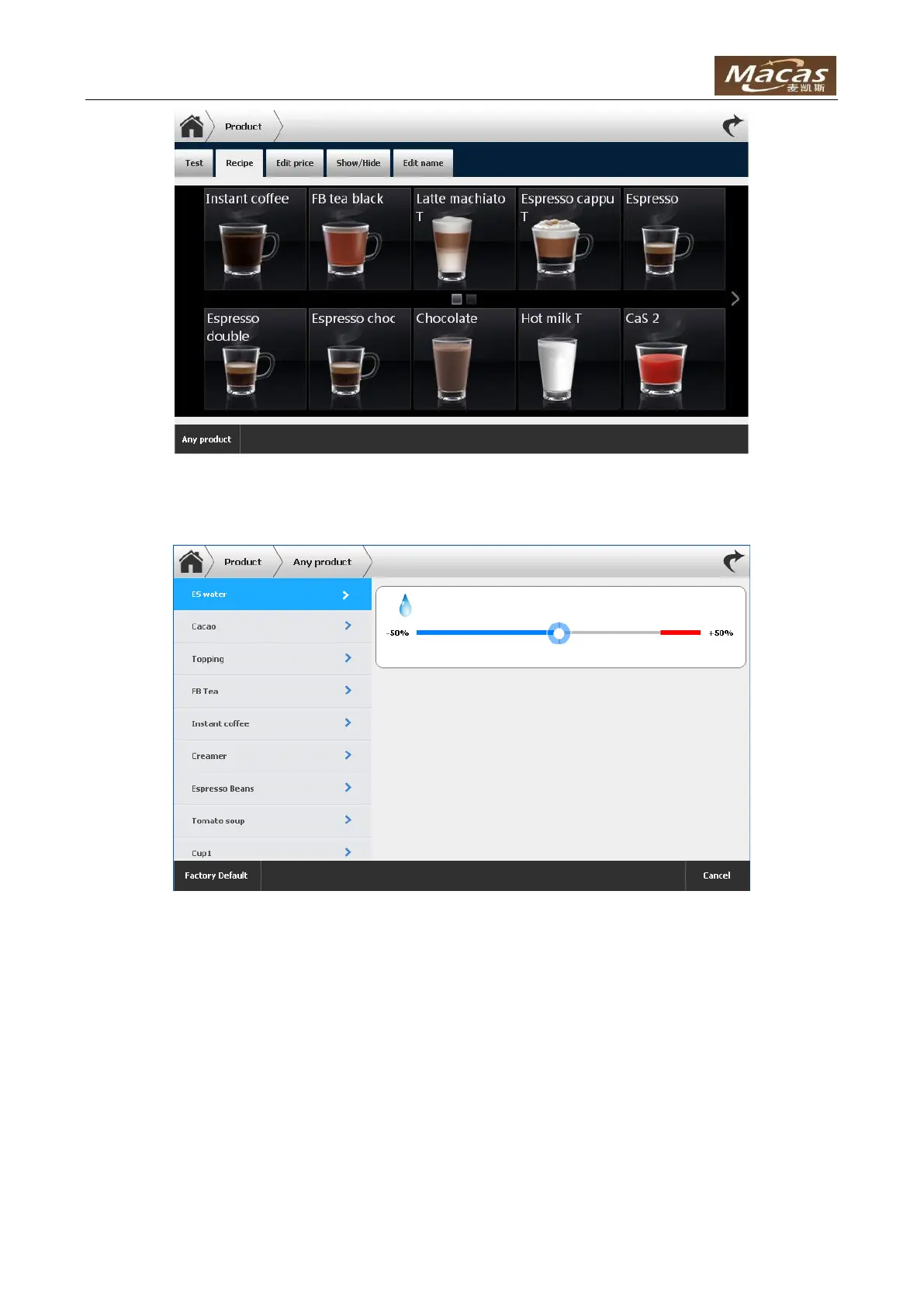
If select “Any product”, the recipe editing page would look like this:
This function is useful when the cup size change. Select the water, just move the bar and make some
test. All products’ volume will change with one click. All ingredients will change automatically, which will
keep the taste of all products.
Note: the red bar indicate that not all products can adjust to that level.
To edit a specific product’s recipe, click on one product icon to enter the recipe adjusting page:



 To Next Page