MACES4C-00 Operator UI manual 19
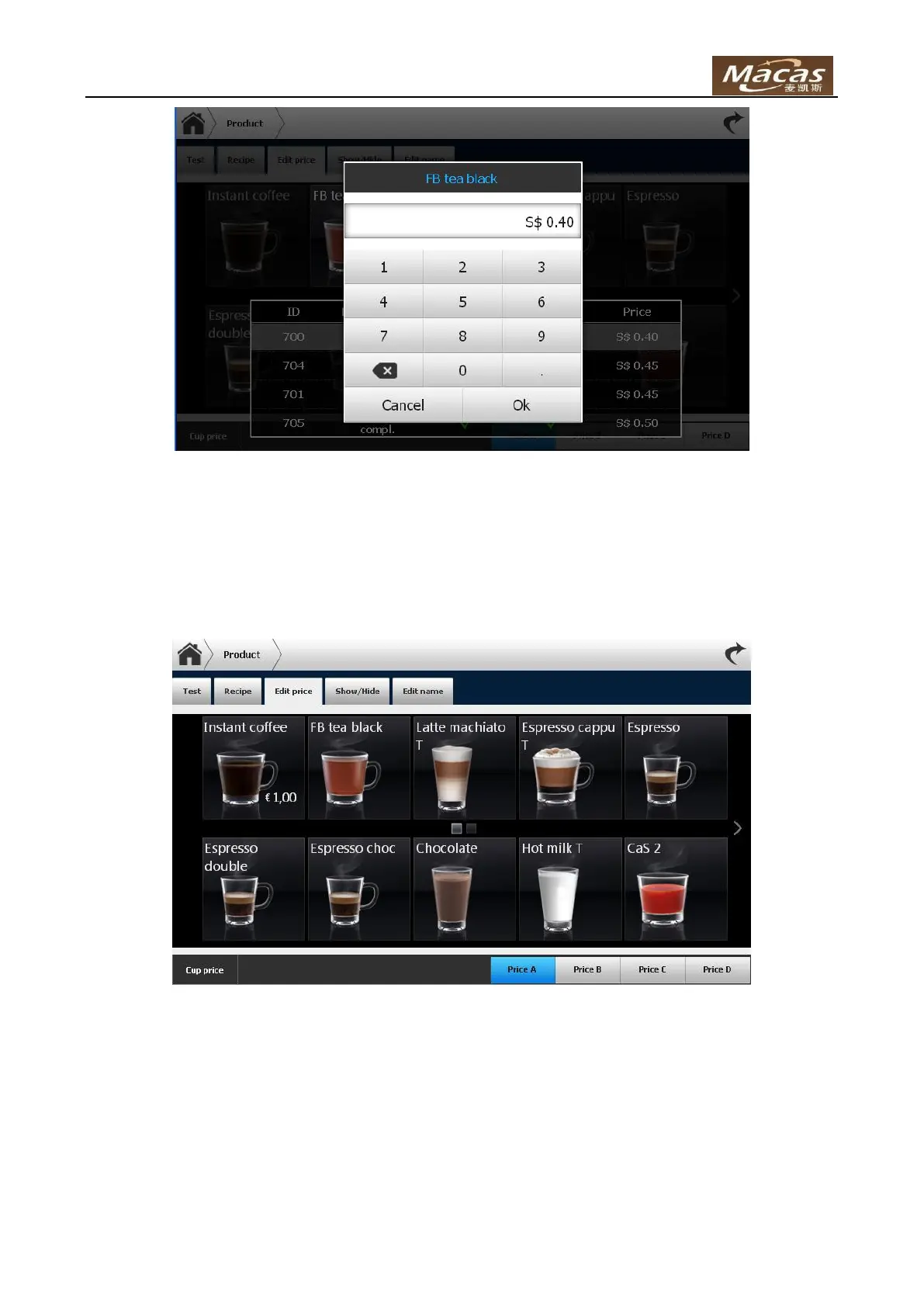
Click button “Price B”/ “Price C”/ “Price D” to set prices for scheme B/C/D.
Price A to D is EVA concept for price. Normally Price A is used. When a special card with price set, price
might change to another one.
Cup can also be set a price. Product price will change while user place/remove his own cup.
To change cup price: click “Cup price” button, and it shows:



 To Next Page