MACES4C-00 Operator UI manual 7
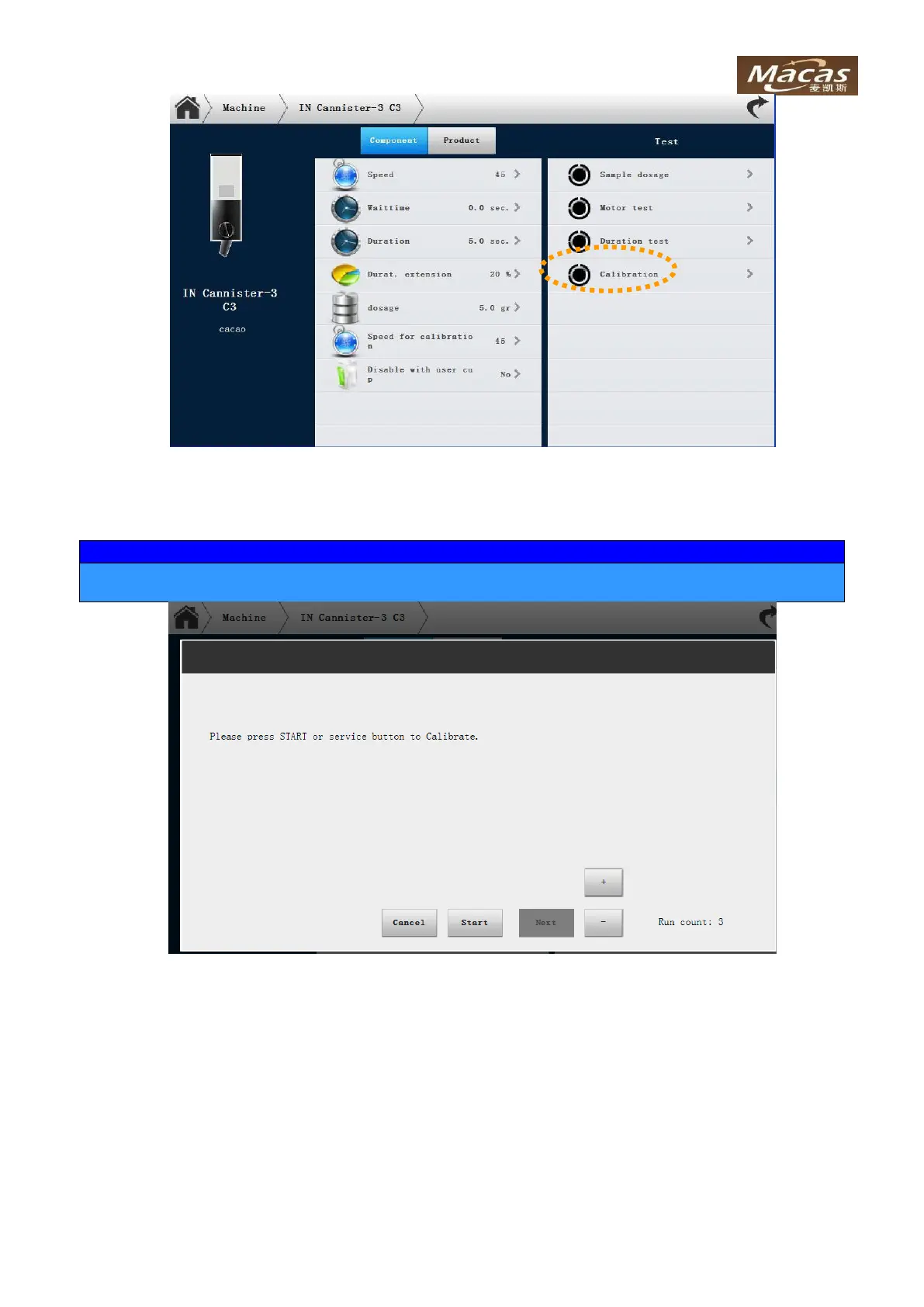
Pressing “Start” button, machine will dispense ingredients for 3 times.
After confirming the ingredient dispensation, you have 3 seconds to hold the vessel underneath the dis-
pensation opening of the container.
Weigh the dispensed ingredients and input the weight to machine via the touch panel.
Test dosage is required to verify the calibration. The weight should be almost same (+/-0.2 g) as
desired weight. If not, repeat from previous step



 To Next Page