12
Stand-by function
S
TAND
-
BY
FUNCTION
4
The active M•Flex models feature a stand-by function. When this function is
enabled and no input signal has been sensed for one hour (or the signal is at a very
low level), the amplifier automatically shuts down. When signal is restored to the
speaker, the amplifier will automatically be turned on.
The stand-by function is disabled by default in models after and including:
•M•Flex 12 (115 volt) models - serial number 701124
•M•Flex 12 (230 volt) models - serial number 701316
•M•Flex 15 (115 volt) models - serial number 701555
•M•Flex 15 (230 volt) models - serial number 701694
Note that the serial number label can be found on the back of the speaker unit. The
stand-by function is enabled by default in all models with serial numbers prior to
these.
ENABLING OR DISABLING THE STAND-
BY FUNCTION
The stand-by function is enabled by removing a jumper from a printed circuit board
(PCB) inside the fixture.
To access the PCB:
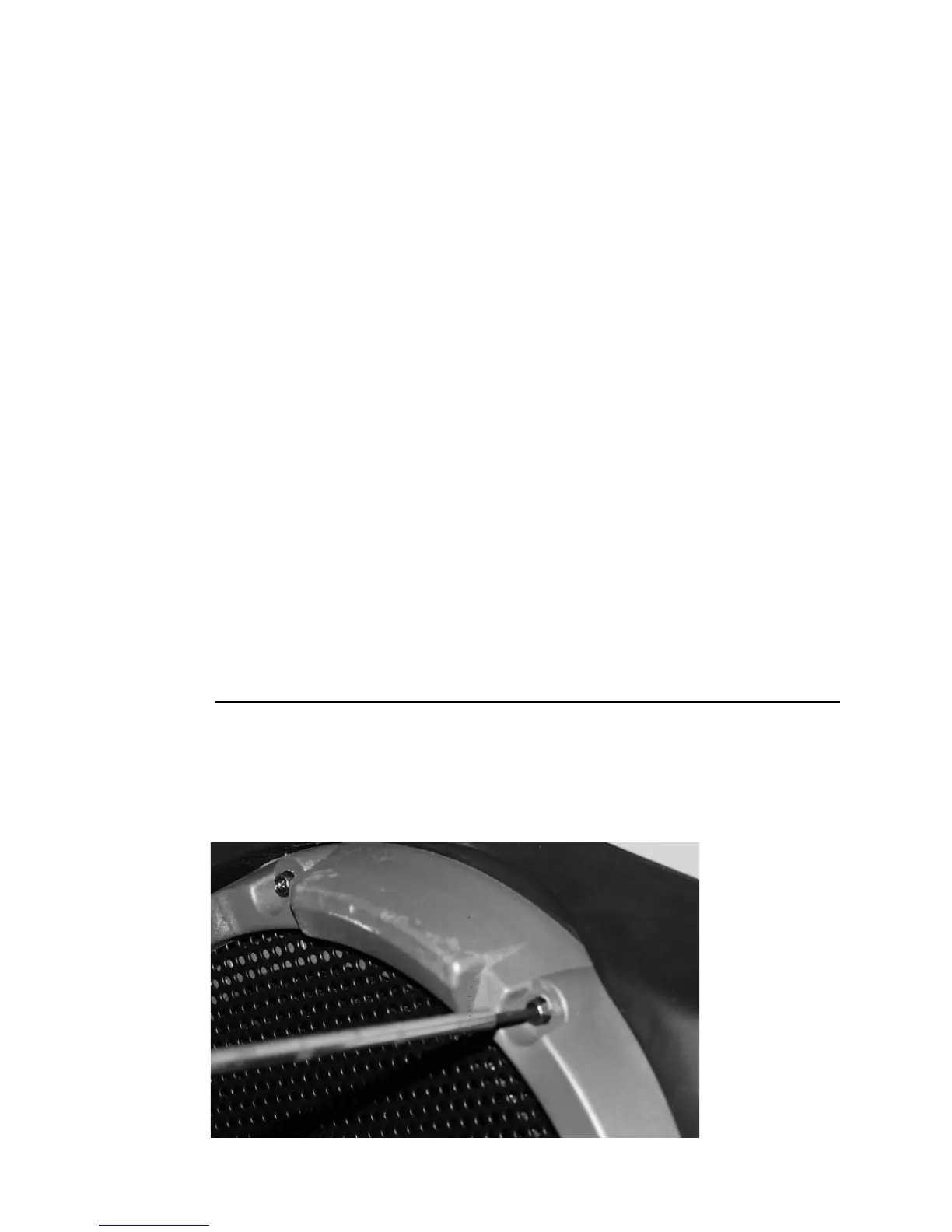
1 Using a Torx 20 screwdriver, remove the 8 screws that hold the woofer cover in place.


 To Next Page