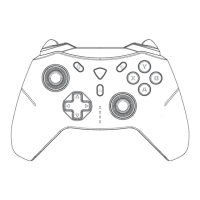
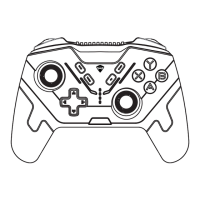
1. In the power-off state of the controller, switch the toggle switch on the
back to the Android position.
2. Press and hold the Home button on the front for about 3 seconds until
the #4 LED indicator flashes quickly, then the controller enters pairing
mode.
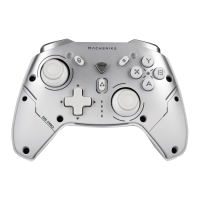
3. Open the device settings and search for and connect to "MACHENIKE
G5Pro" in Bluetooth settings.
4. After pairing is successful, the #4 LED indicator will stay on for 2 seconds
and then return to power level indication.
Note:
This mode requires native support for controller operation in the game.
1. In the power-off state, connect the device and the controller directly via
the included data cable.
Connection Steps - Wired connection
Hall linear joystick and trigger calibration operation:
Connection Steps - Wireless connection
Android Mode - for Android (HarmonyOS phones, Android
phones, tablets, smart TVs, TV boxes, etc.)
The triggers support linear travel function, which requires game
matching.
Supports Home button wake-up function and rapid reconnection
function.
HALL SYSTEM CALIBRATION
COMPATIBILITY


 To Next Page