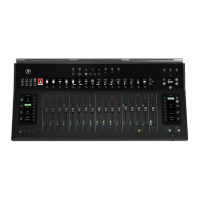
DC16 Owner’s Manual
28
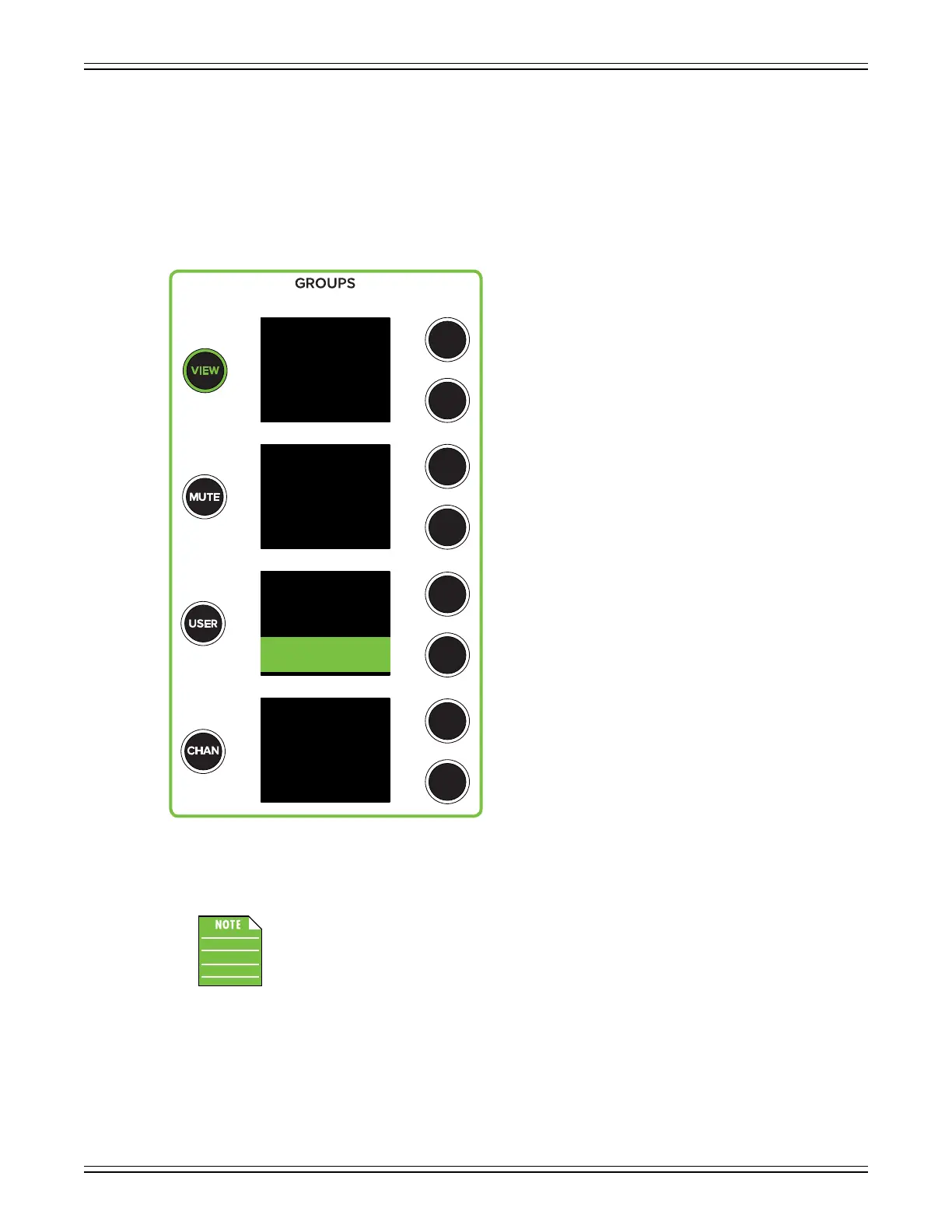
If multiselect is ON – highlighted white with black text – multiple view groups may be selected
simultaneously (except “ALL”).
As seen below, if multiselect is OFF – not highlighted, white text – then only a single view group
may be selected at a time.
Additionally, channels may be assigned (and unassigned) to view groups simply by utilizing the assign
modier button. More details in the “Modiers” section on pages 57-59.
While view groups may be displayed and selected via DC16, the names will still need
to be created using Master Fader.
Additional information regarding view groups is documented quite thoroughly in the Master Fader
Reference Guide.
Customized View Groups Select
ALL
Break
Song I
Song II
Song III
Song IV
Song V
Multiselect


 To Next Page