DC16 Owner’s Manual
29
• MUTE Group Button
Mute groups allow you to quickly mute (and unmute) multiple channels and/or outputs. There are
a multitude of possibilities in which to assign and enable mute groups: productions featuring a rotating
cast of musicians, theater productions, a house of worship and more. It is also great for muting all inputs
during song breaks or in-between sets.
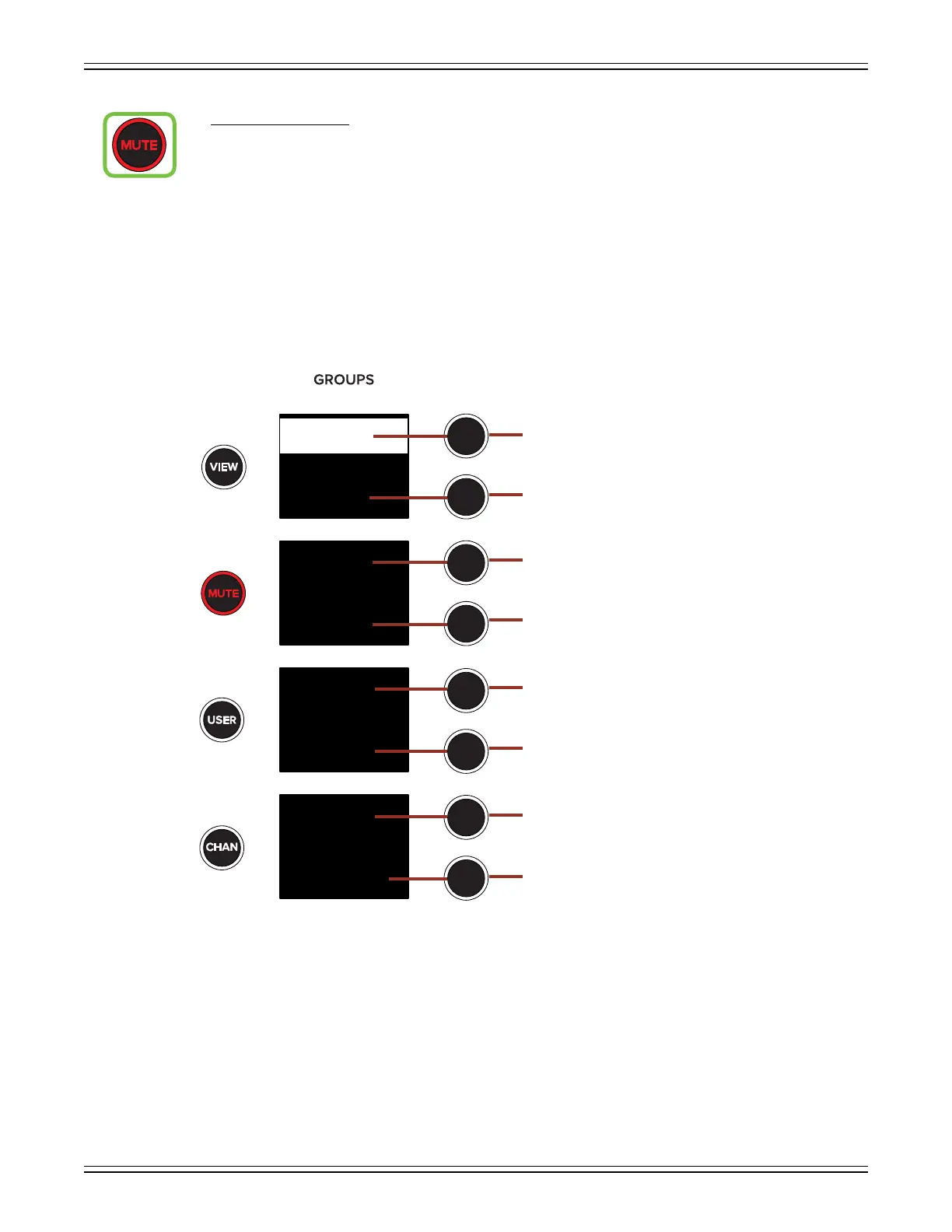
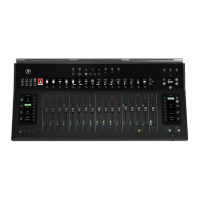
Pressing the MUTE button will present all mute groups in each of the four displays as noted below.
Additionally, the mute groups button LED illuminates red when engaged and the text of mute
groups 1-6 are presented in mute group red (aka oxblood red).
To select a mute group, press the button to the right of said mute group presented in the display.
The mute group will be highlighted in oxblood red.
Mute Group 1
Mute Group 5
Mute Group 3
Multiselect
NONE
Mute Group 4
Mute Group 2
Mute Group 6
NONE
1
2
4
5
6
Multiselect
3
Default Mute Groups Select


 To Next Page