DC16 Owner’s Manual
53
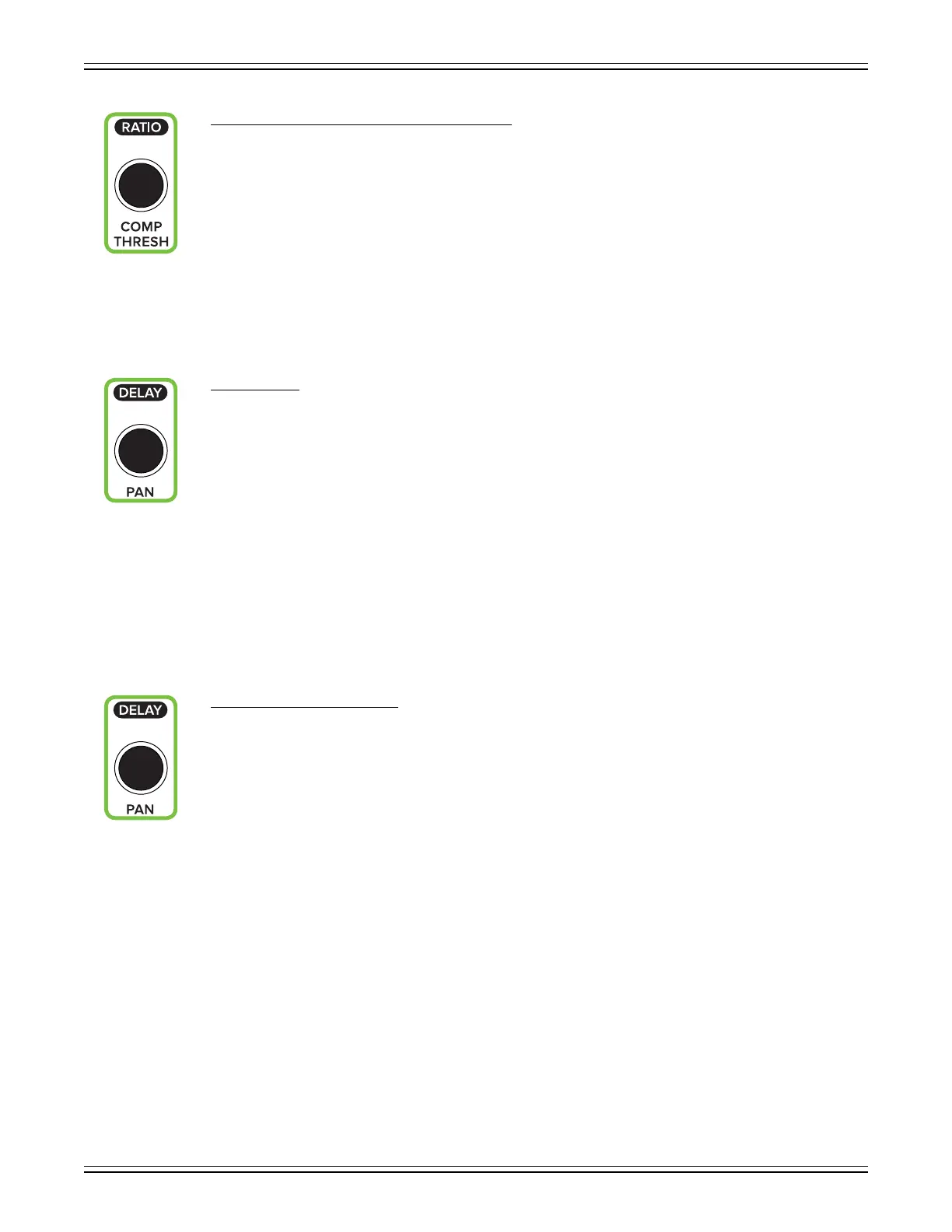
• COMP RATIO Encoder (ALT + COMP THRESH)
This encoder adjusts the comp ratio of the selected input or output. The ratio is changed by rotating
the encoder and the comp may be turned on [green] or o [white] by pushing the encoder. Ratio sets
the amount of gain reduction applied as the signal exceeds the threshold level.
The range of the ratio of the compressor varies from 1:1 to inf:1. The incremental adjustments
are dependent on if the selected comp is modern or vintage.
A visual representation of the changes may be seen on the dynamics screen on Master Fader.
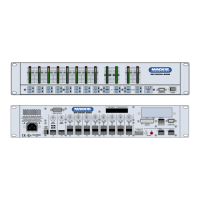
• PAN Encoder
This encoder adjusts the pan or balance of the selected input group and Main L/R. The pan / balance
is changed by rotating the encoder.
As with Master Fader, what’s panned is dependent on what’s selected. In other words, with...:
• A mono (unlinked) input or subgroup selected, the encoder will control that input’s LR pan.
• A stereo (linked) input or subgroup selected, the encoder will control that input’s LR balance.
• Main LR selected, the encoder will control the Main LR balance.
A visual representation may be seen on the pan / balance screen on Master Fader.
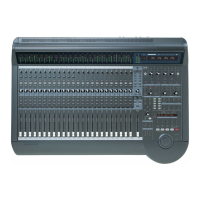
• DELAY Encoder (ALT + PAN)
This encoder adjusts the alignment delay of the selected output, allowing you to easily change the delay
time level of the LR, all auxes and matrices.
A visual representation of the changes may be seen on the output’s compressor / limiter / delay screen
on Master Fader.


 To Next Page