DC16 Owner’s Manual
42
• HPF Button
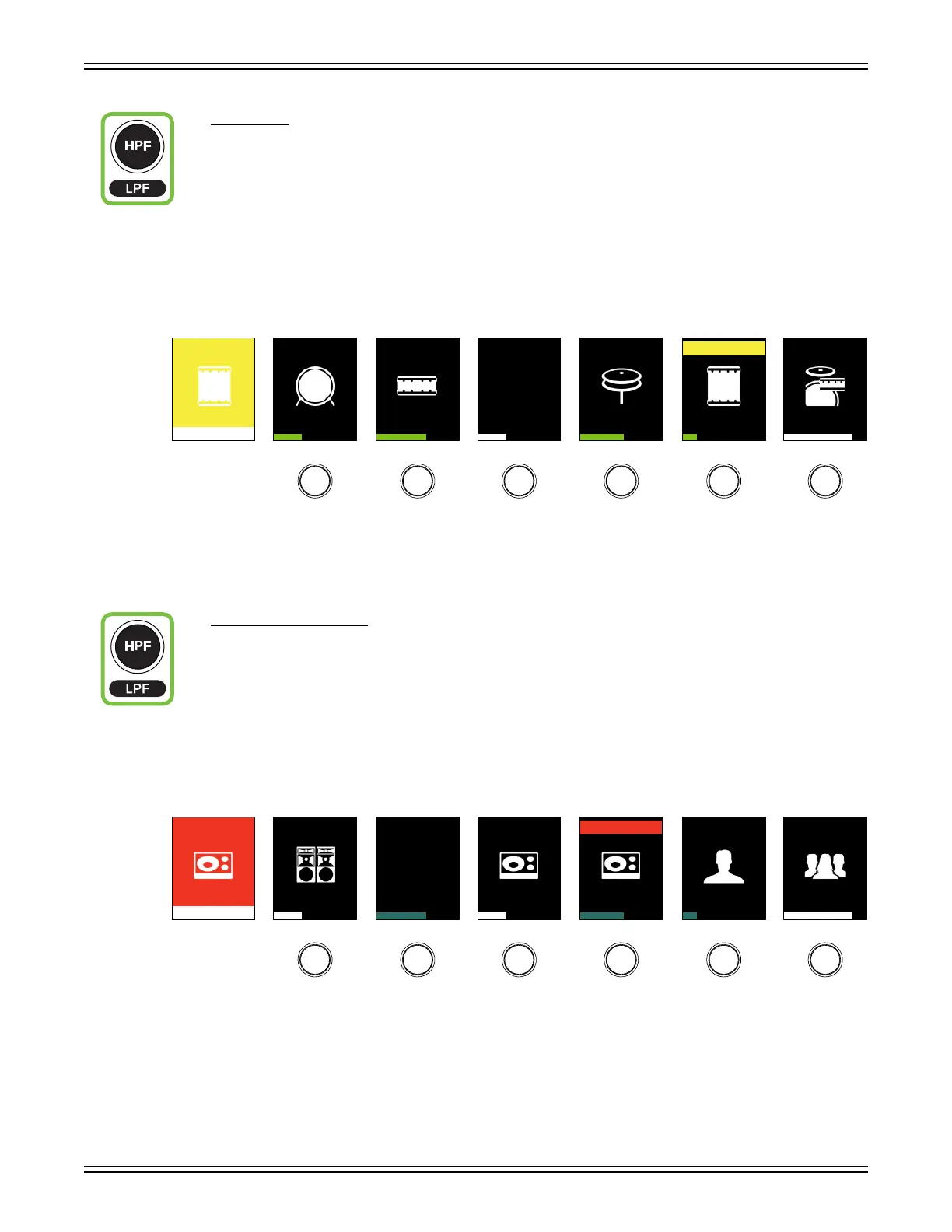
This button selects the HPF frequency of all inputs and outputs. High-pass lters are utilized
to cut out low frequencies. The high-pass lter control adjusts the cut-o frequency for the lter.
HPF levels may then be changed by rotating the encoders and turned on [green] or o [gray]
by pushing the encoders below the channel displays. A visual representation may be seen on
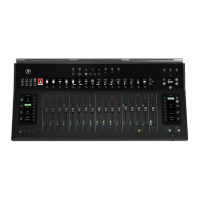
the DC16 channel displays and the channel’s EQ screens on Master Fader.
The HPF ranges from O to 700 Hz (inputs) and O to 20 kHz (outputs). The incremental adjustments
are dependent on if the selected EQ is modern or vintage.
The HPF button’s LED illuminates white when engaged.
• LPF Button (ALT + HPF)
This button selects the LPF frequency of all outputs. [There are no LPF on inputs]. Low-pass lters are
utilized to cut out high frequencies. The low-pass lter control adjusts the cut-o frequency for the lter.
LPF levels may then be changed by rotating the encoders and turned on [teal] or o [gray]
by pushing the encoders below the channel displays. A visual representation may be seen on
the DC16 channel displays and the outputs’ EQ screens on Master Fader.
The LPF ranges from O to 20 kHz. [There is no LPF on the vintage EQ].
The LPF button’s LED illuminates white when engaged.
Tom
HPF
HPF HPF HPF
95
HPF HPF HPF
Kick S Top S Btm
Hz
HiHat Tom Rack
1 2 3 4 55 6
MON
LPF
LPF LPF LPF
800
LPF LPF LPF
FOH MON MON
Hz
MON FOH TB MON TB
LR A1 A2 A3 A4A3 A5


 To Next Page