4
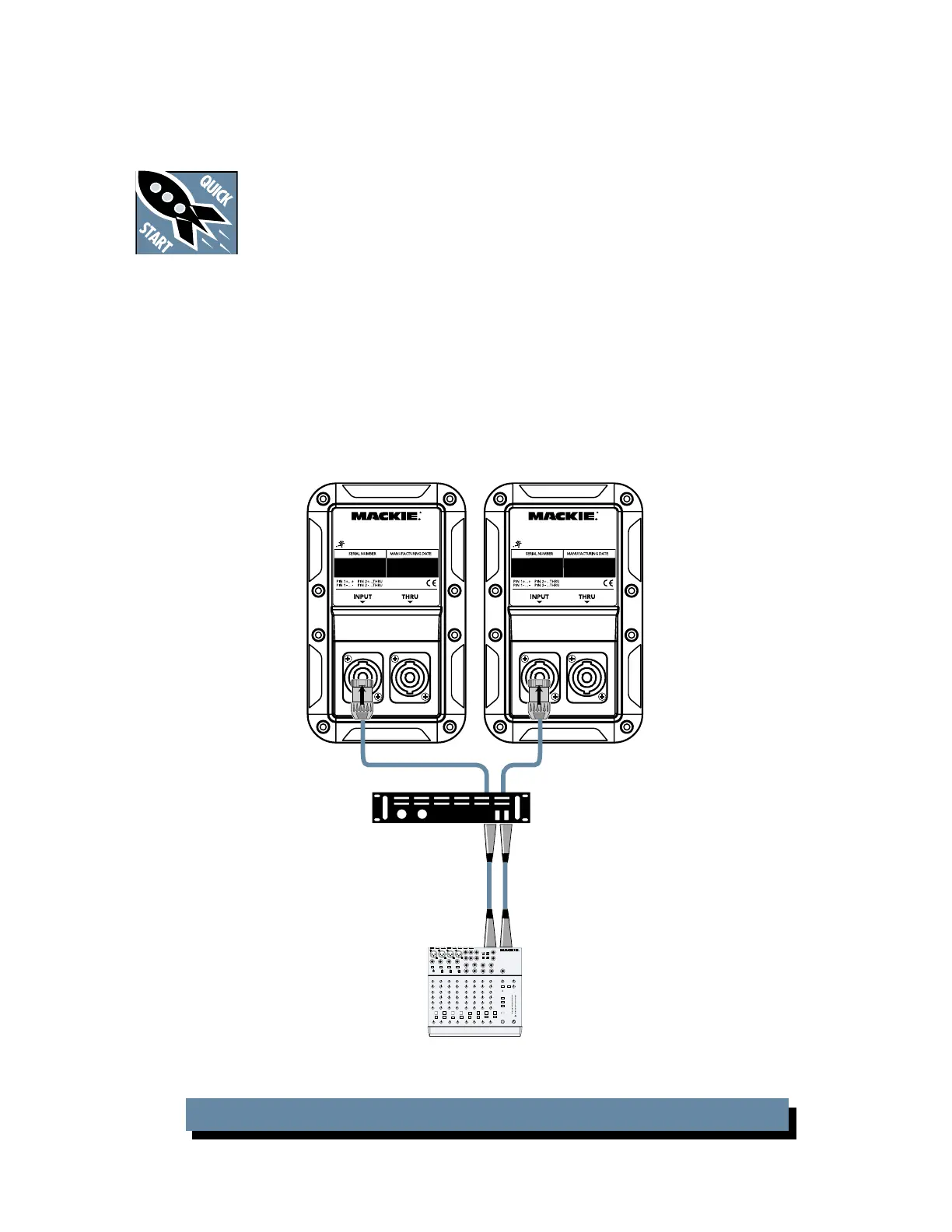
HOOKUP DIAGRAMS
Quick-Start
Make all initial connections with the
power switches OFF on all equip-
ment. Make sure all master volume,
level, or gain controls are all the way
down.
1. Connect the line-level outputs from your mixing
console (or other signal source) to the inputs of
your power amplifi er.
2. Connect the “Speaker Output” from your power
amplifi er (or powered mixer) to the INPUT connec-
tor on the S408.
3. Turn on your mixing console (or other signal
source).
4. Turn on the amplifi er. Turn up its volume or gain
control(s) as recommended by the manufacturer.
5. Start the signal source, whether it be speaking
into a microphone or starting a CD player. Adjust
the volume controls on the mixer (or other signal
source) for normal operation.
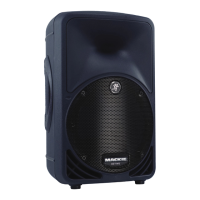
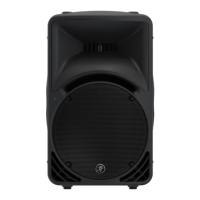
S408: WITH A MIXER AND POWER AMPLIFIER
S408
DESIGNED BY MACKOIDS IN WHITINSVILLE, MA & WOODINVILLE, WA,USA
"MACKIE" AND THE "RUNNING MAN" FIGURE
ARE REGISTERED TRADEMARKS OF LOUD TECHNOLOGIES INC. • COPYRIGHT ©2005
S408
DESIGNED BY MACKOIDS IN WHITINSVILLE, MA & WOODINVILLE, WA,USA
"MACKIE" AND THE "RUNNING MAN" FIGURE
ARE REGISTERED TRADEMARKS OF LOUD TECHNOLOGIES INC. • COPYRIGHT ©2005
Mixer or
Preamplifier
Right
Line-level
Output
Left
Line-level
Output
Stereo
Power Amplifier
1202-VLZ PRO
S408 S408


 To Next Page