Owner’s Manual
7
Owner’s Manual
DJ System
CUE IN
AUX
MIX
SOURCES INPUTS
1(L)3/45/62-TRACKSTUDIO/
PHONES
AMP
USB
2(R)
FOOTSWITCH
MIC
L
(MONO)
R
L
(MONO)
R
L
R
L
R
BAL / UNBALBAL / UNBAL
L
R
BAL / UNBAL
L
R
BAL / UNBAL
L
R
BAL / UNBAL BAL / UNBALBAL / UNBAL
L
(MONO)
R
BAL / UNBAL
REC SRC
SELECT
TALKBACK
MONITOR
C
MONITOR
B
MONITOR
A
EXT
INT
INPUTS 1/2
2-TRACK
OUTPUTS
+18VDC
1.5A
POWER
-10dB
+4dB
-10dB
+4dB
Hookup Diagrams continued...
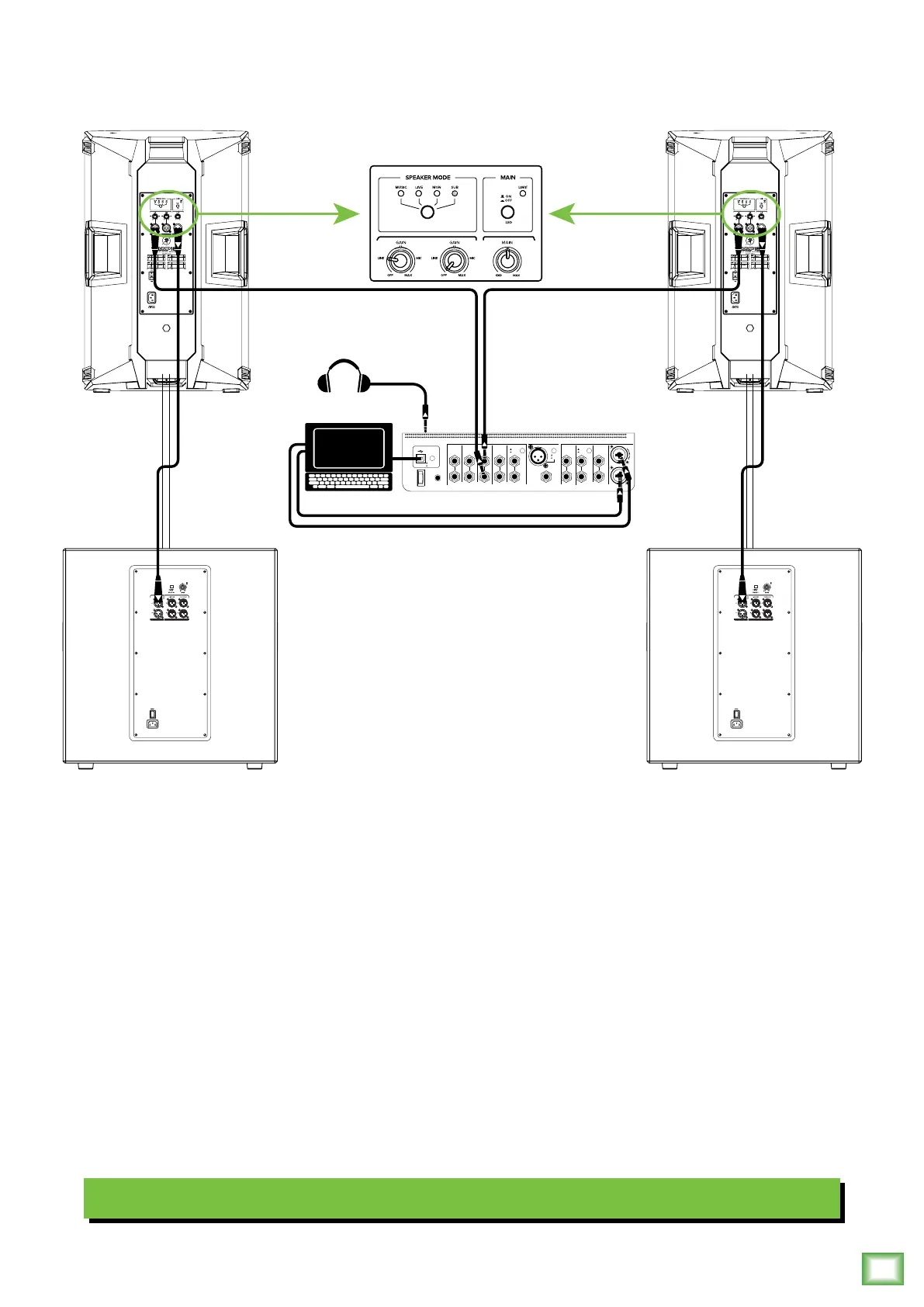
Perhaps you’re a DJ playing bumpin’ tunes in the middle of the night to a crowd that’s groovin’
and dancin’ to your fine selection.
In this example, a laptop is connected to the channel 1 and 2 inputs of a Big Knob Studio+ and a set of
headphones are connected to the phones jack.
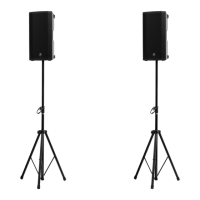
The L/R Monitor A outputs of the Big Knob Studio+ are connected directly to the CH1 inputs of each
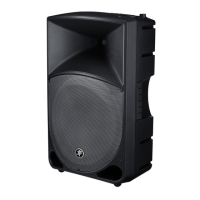
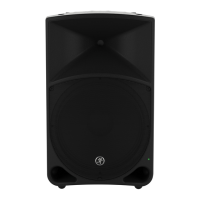
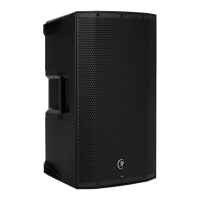
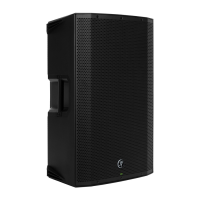
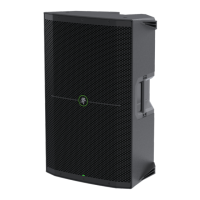
Thump15A loudspeaker.
The Mix Out of each loudspeaker is connected to the channel A input of each Thump18S subwoofer.
The CH1 gains of both loudspeakers may be set to ‘Line’ and the Speaker Modes on both to Sub.



 To Next Page