
 To Next Page

A
Ashley WellsSep 6, 2025
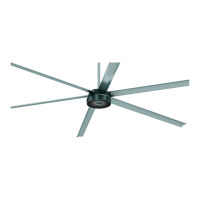
How to resolve Phase Current Following Error in MacroAir Technologies AirVolution-D 550?
- MMark CunninghamSep 6, 2025
To resolve a Phase Current Following Error in your MacroAir Technologies Fan, follow these steps: 1. Ensure that the blade length is properly set. 2. Perform a drive calibration. 3. Confirm that the incoming power is within the fan’s specifications. 4. Confirm motor values and perform power calibration if possible/necessary. 5. If the fan shuts off above 95%, set fine tuning to 5. If it shuts off above 90%, use a fine tuning of 10.
 General