- 3 -
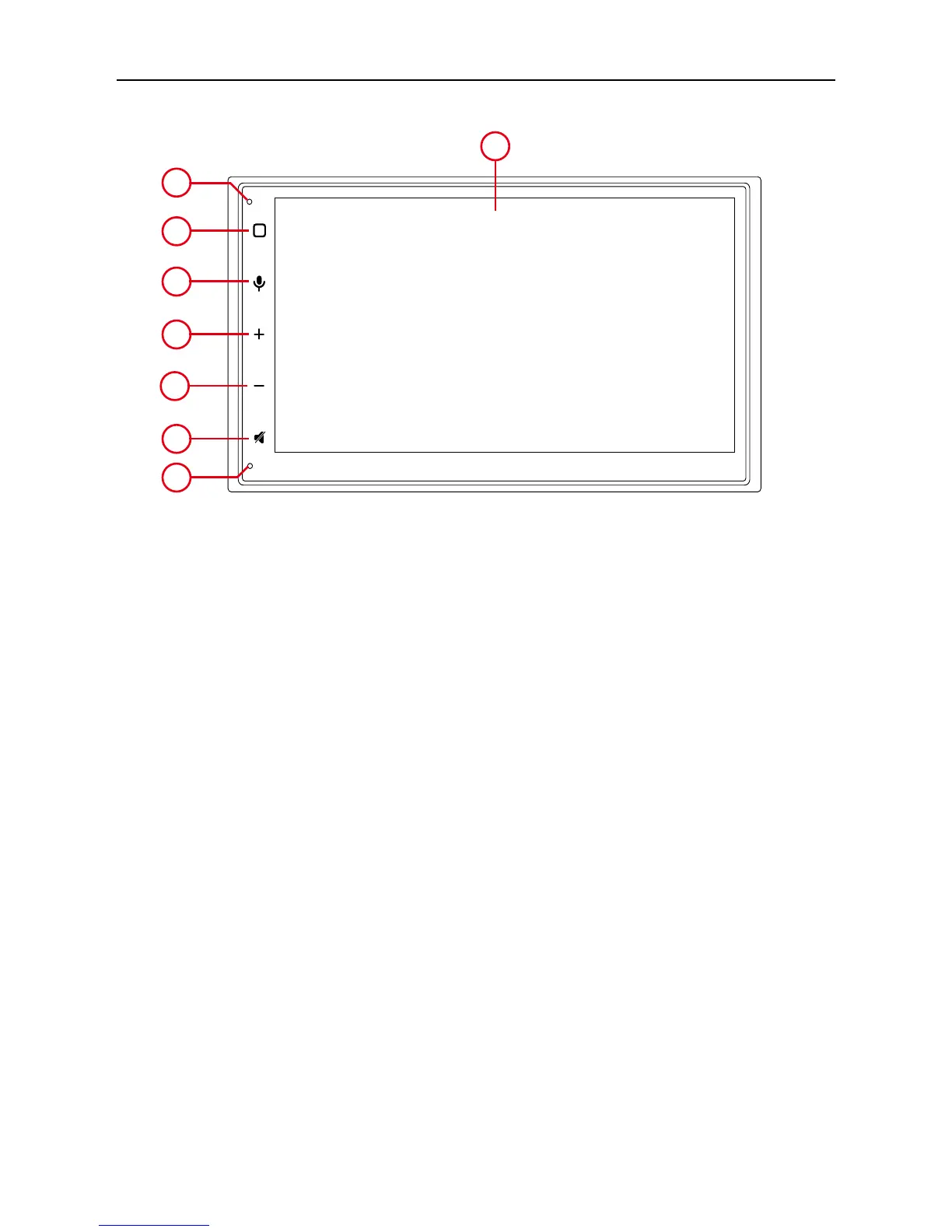
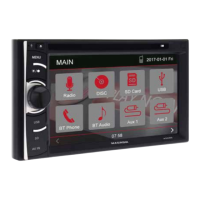
Front Panel
1. Internal Microphone
Iternal microphone for Bluetooth calls.
2. [MENU] button
Press to turn the unit ON. Press and hold to turn the unit OFF.
Press to access the main.
3. (FIND) Anable Siri or Google
4. [VOL +] button
Press to increase the volume
5. [VOL -] button
Press to decrese the volume
6. (MUTE) button
Press to mute the system, press agin to play the system.
7. (RESET) button
Press to reset the system
8. Screen dispaly area
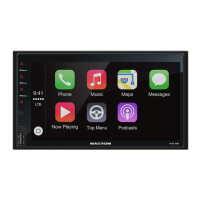
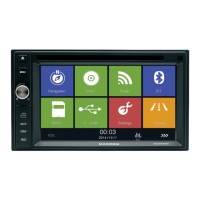
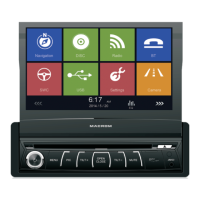
Product overview
Notice:
The graphic in this manual is for reference only, and may be different from the actual unit.


 To Next Page