- 6 -
Steering wheel control
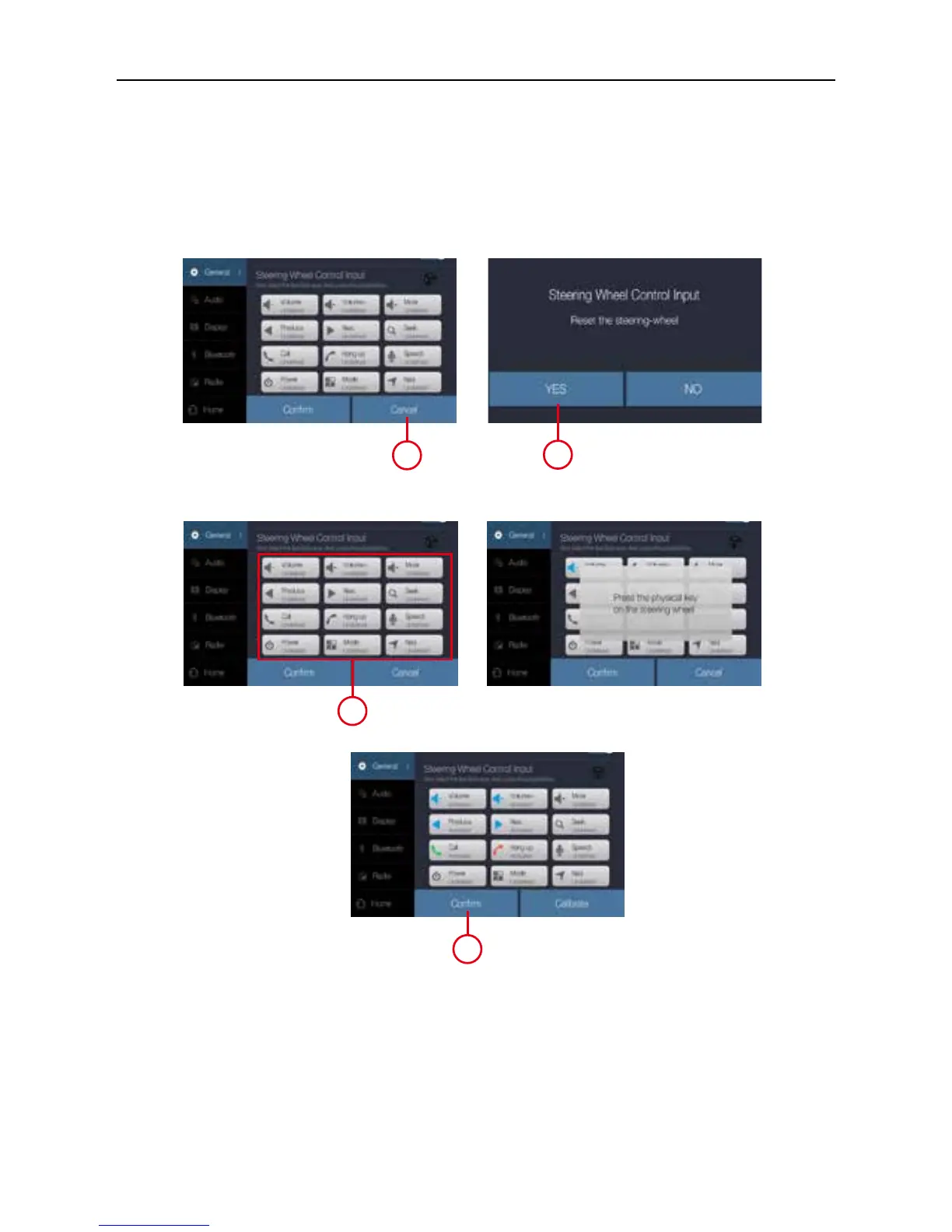
SWC settings
1. Before starting press Calibrate.
2. Then press YES to reset the preset setting
3. Select the function key, then press the phisically key on steering wheel.
4. Repeat the sequence until the available functions are completed.
5. At the end of the sequence, press Confirm to store the selected functions.
1
2
3
5



 To Next Page