Need help?
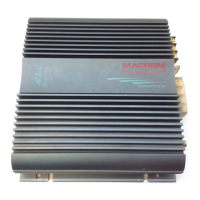
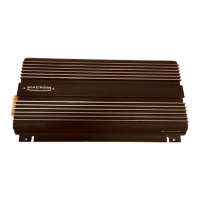
Do you have a question about the Macrom Syn Tech 4.075 and is the answer not in the manual?
Important safety guidelines and connection advice for the amplifier.
Lists the main technical capabilities and functionalities of the amplifier.
Connects the main unit's Pre output leads to the amplifier's front input.
Adjusts input sensitivity for the front channels, varying between 200 mV and 4V.
Selects output mode (Flat, Low-pass, High-pass) for front channels.
Continuously adjusts crossover frequency for front channels between 30 Hz and 600 Hz.
Selects input configuration for 4 or 2 channels to enable all outputs.
Configures amplifier output for 4, 3, or 2 channels for various stereo/mono setups.
Selects output mode (Flat, Low-pass, High-pass) for rear channels.
Adjusts crossover frequency for rear channels between 30 Hz and 600 Hz.
Adjusts input sensitivity for the rear channels, varying from 200 mV to 4V.
Connects main unit's Pre output leads to amplifier's rear input.
Activates or deactivates the external control for low frequencies (bass).
Allows connection of an EBC control to adjust low frequencies from 0dB to -40dB.
Outputs for connecting loudspeakers with specified impedance requirements.
Details fuse replacement guidelines to prevent component damage.
Connects the positive battery terminal directly via a fuse.
Connects to the remote-on output for amplifier power control via the main unit.
Connects the ground to the car chassis for proper grounding.
LED indicator showing amplifier status (off, functioning, or protection mode).


 To Next Page
 General