Chapter 4142
Drawing rectangles, ellipses, and lines
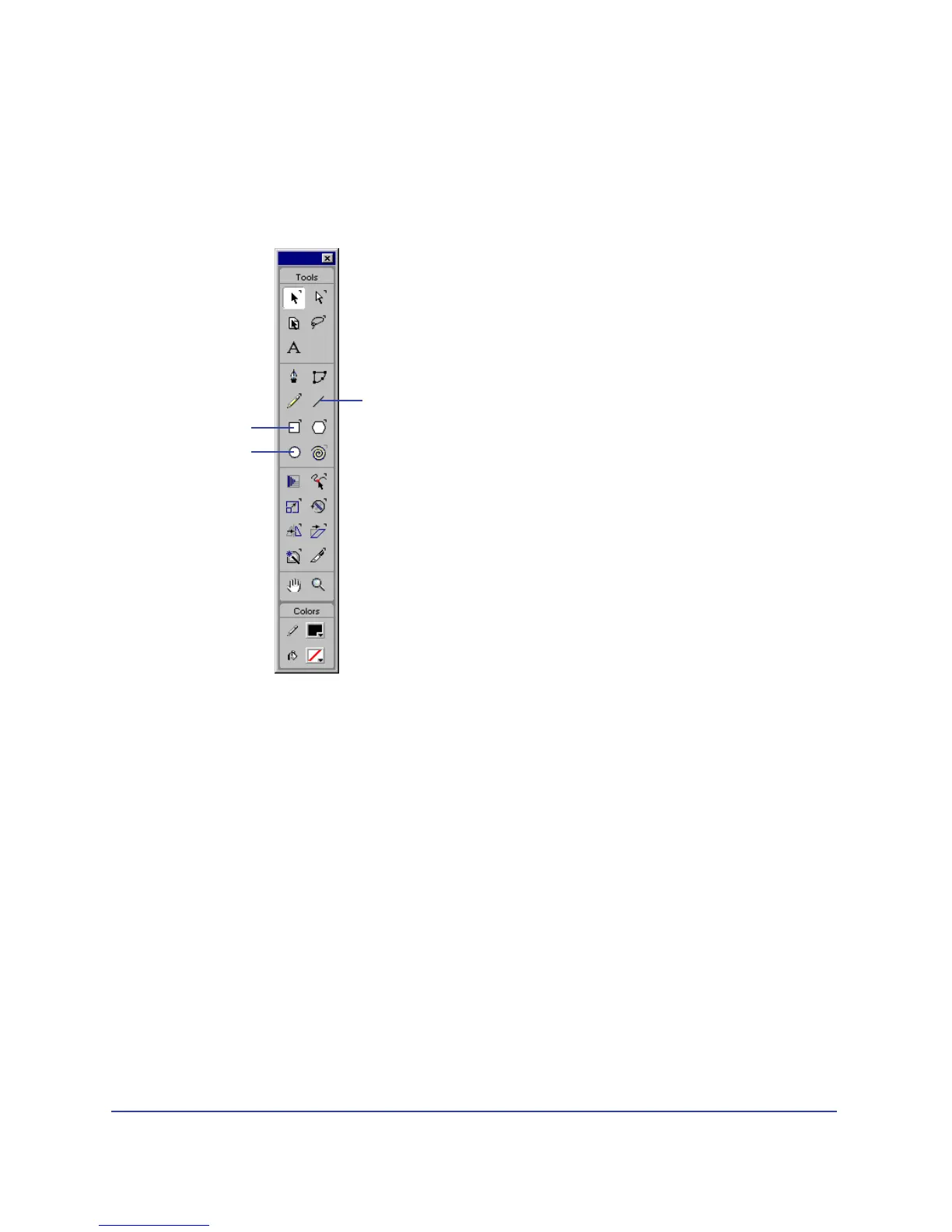
Rectangles, ellipses, and lines are the basic FreeHand shapes. You can draw basic
shapes by dragging with one of these tools. You can also precisely adjust rectangles’
size and position, and adjust the curve of rectangle corners.
Rectangles and ellipses are drawn as grouped objects. If you ungroup a rectangle
or ellipse, FreeHand converts it to a path, and you can no longer edit it as a
rectangle or ellipse.
To draw a rectangle, ellipse, or line:
1 Click the Rectangle, Ellipse, or Line tool in the Tools panel.
2 Hold down the mouse button to start a path, drag to draw, and then release the
mouse button to end the path.
To draw a rectangle, ellipse, or line from its center:
Hold down Alt (Windows) or Option (Macintosh) as you drag the respective tool.
To draw rectangles with curved corners:
1 Double-click the Rectangle tool.
Rectangle
Line
Ellipse



 To Next Page