Chapter 146
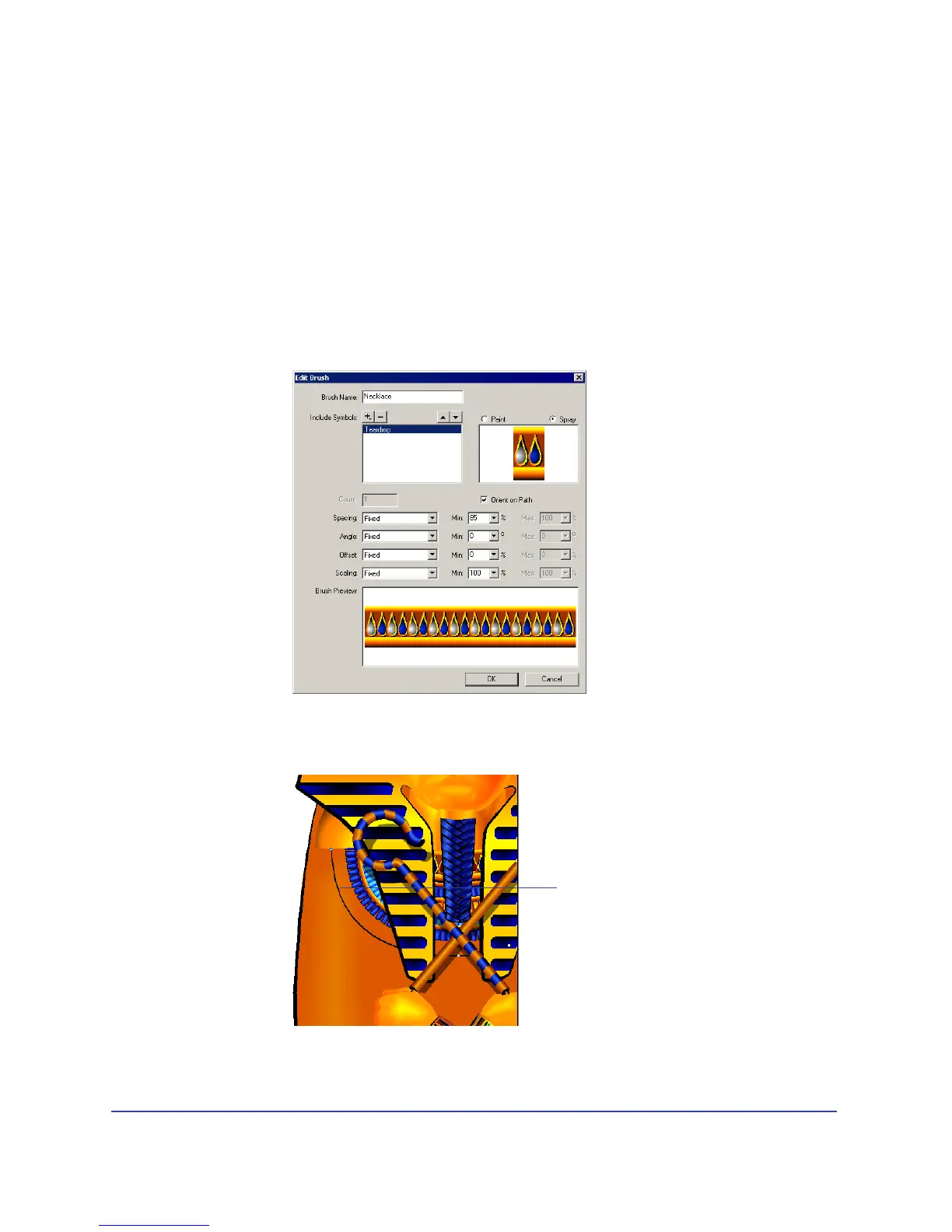
Use the spray brush
Earlier in the tutorial, you used the paintbrush attribute to extend a graphic
symbol along a path. Now you’ll use the spray brush attribute to repeat a graphic
symbol—in this case, the bead—along a path.
1 With the bead on page 1 selected, choose Modify > Brush > Create Brush.
2 In the Edit Brush dialog box, name the brush Necklace.
3 Select Spray.
4 In the Min. percentage text box to the right of Spacing, type 85, then click OK.
5 On page 1, select the path, which is already created for you next to the
existing necklaces.
Path



 To Next Page