Tutorial 45
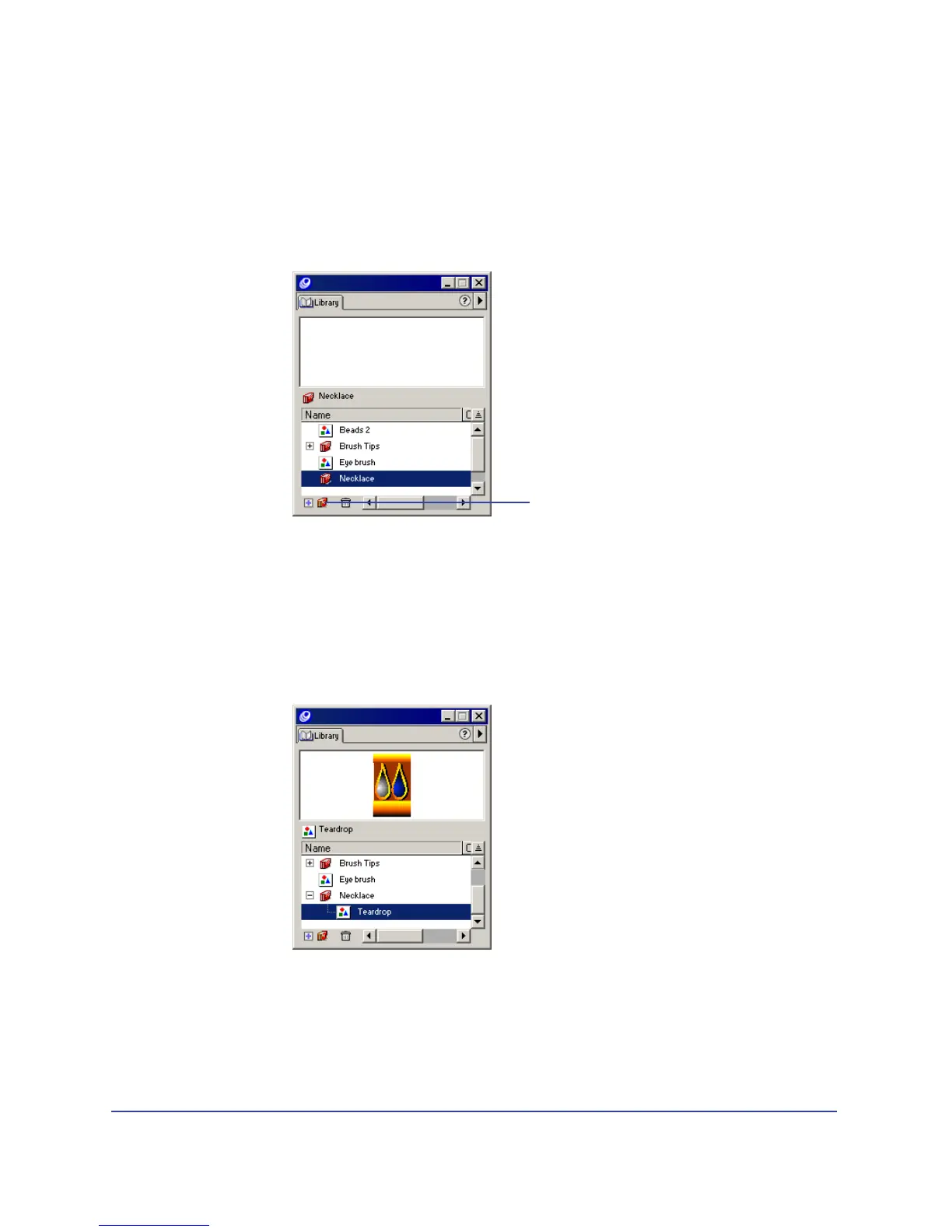
You store symbols in the library for reuse throughout the document. To keep
symbols organized in the library, you can place them in groups.
1 Choose Window > Library to display the Library panel.
2 Click the folder icon to create a new group. In the Library list, double-click the
Group-01 name and rename the group Necklace.
3 If necessary, select the bead you placed on page 1 of your document. Choose
Modify > Symbol > Convert to Symbol.
The bead on the page is now an instance of the bead symbol in the Library
panel. The name of the symbol is Graphic-01.
4 In the Library list, rename the Graphic-01 symbol Teardrop and drag it to the
Necklace group.
Folder icon



 To Next Page