Tutorial 49
Note: When you add a tint to your list of swatches, FreeHand automatically adds the
base color for the tint to your list of swatches as well.
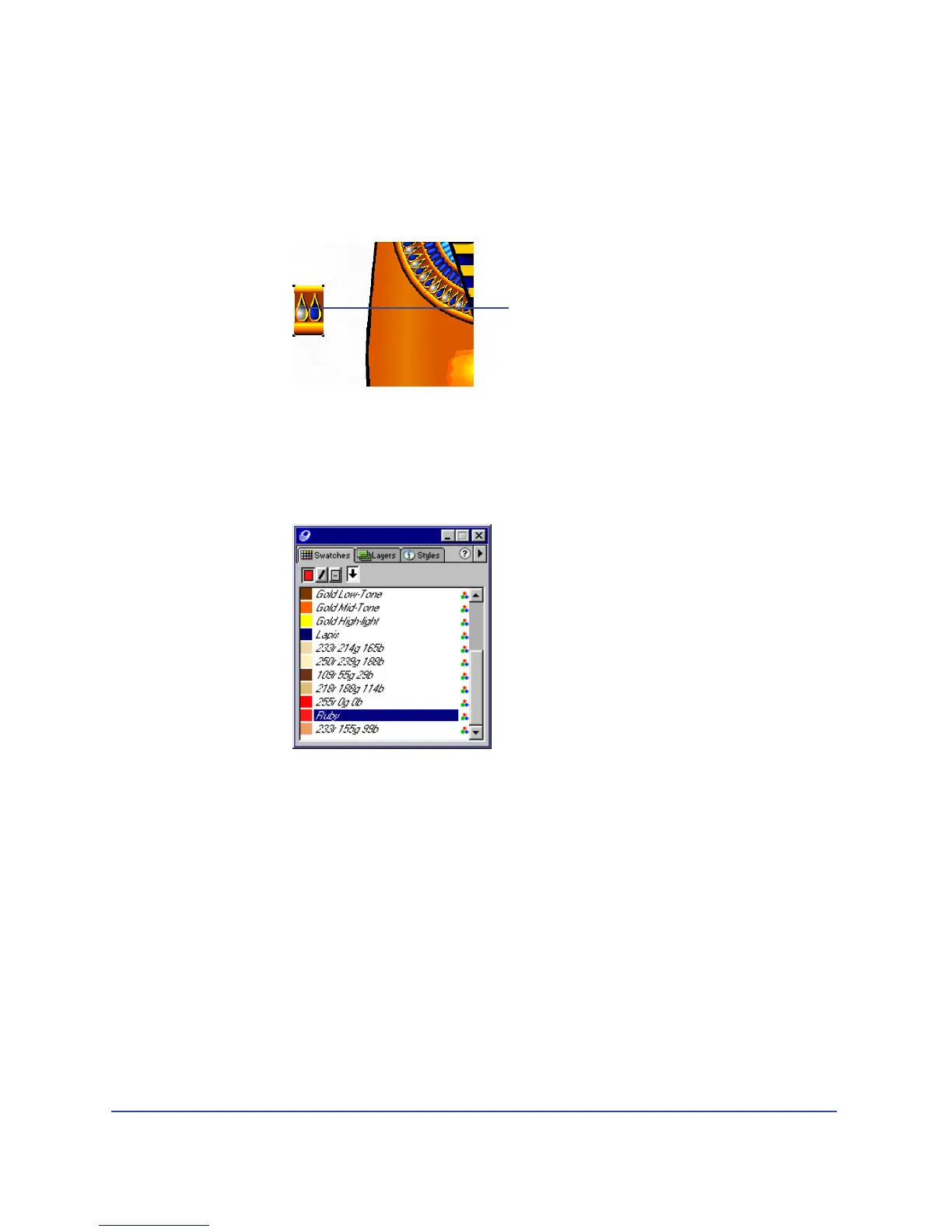
6 On page 1, select the bead instance (not the beads along the path) and choose
Modify > Symbol > Edit Symbol.
7 In the symbol-editing window, magnify the symbol to 400%.
8 If the Swatches panel is not visible, choose Window > Panels > Swatches.
Drag the Ruby swatch to the middle of the teardrop on the left (not the
blue teardrop).
9 Close the symbol-editing window.
The beads along the path update to include the ruby color that you added.
Select this bead
to modify.



 To Next Page