10
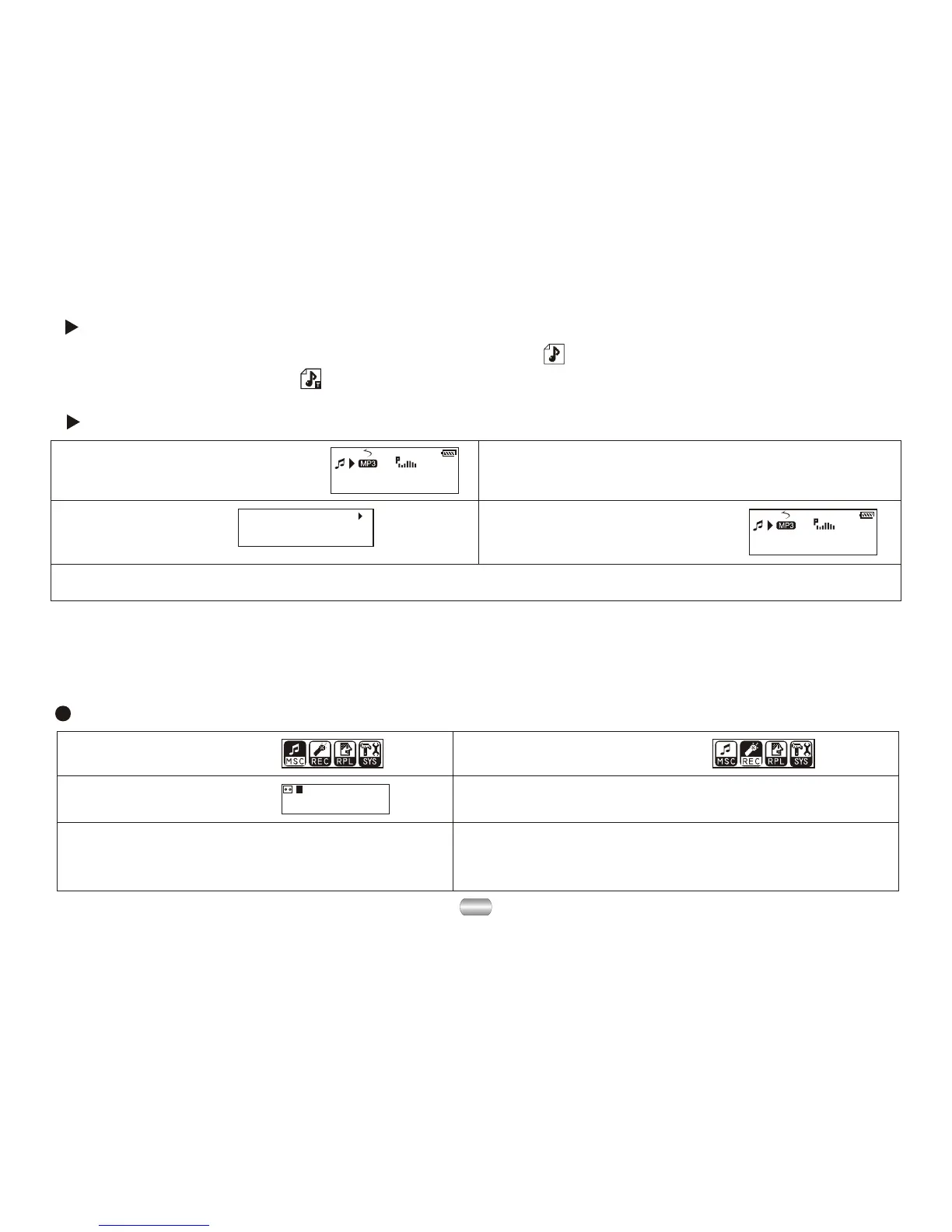
Record mode
5). Other operations use steps 1 through 3.
1). Enter main menu.
2). Dial Next to choose
record mode.
00:00:00
8K/ACT 01/15
REC04 2004/07/28
3). Press Mode to enter
record mode.
4). Press Play to start recording.
7. Voice recorder
Make sure batteries have enough energy for recording.
Save ninety-nine recorded files in every directory.
How to display the lyrics:
1
01
01: 13
Jay - Sky.mp3
1
01
01: 33
Jay - Sky.mp3
All of your time spent,
Every time we're down.
4). Return to music mode
by pressing Mode.
1). Find lyric match with song: 2). Press and hold Mode to enter
lyric interface.
3). Display lyrics.
5). Cycle lyrics manually: Turn lyrics forward or backward by pressing VOL+ or VOL-
6). Voice recordings are saved in the current
directory; set in "stop record/submenu/ directories
of main disk"
How to know whether a song has lyrics:
If there is a lyric file matching the song, the icon on the upper left corner of music
mode should change to " " .


 To Next Page