11
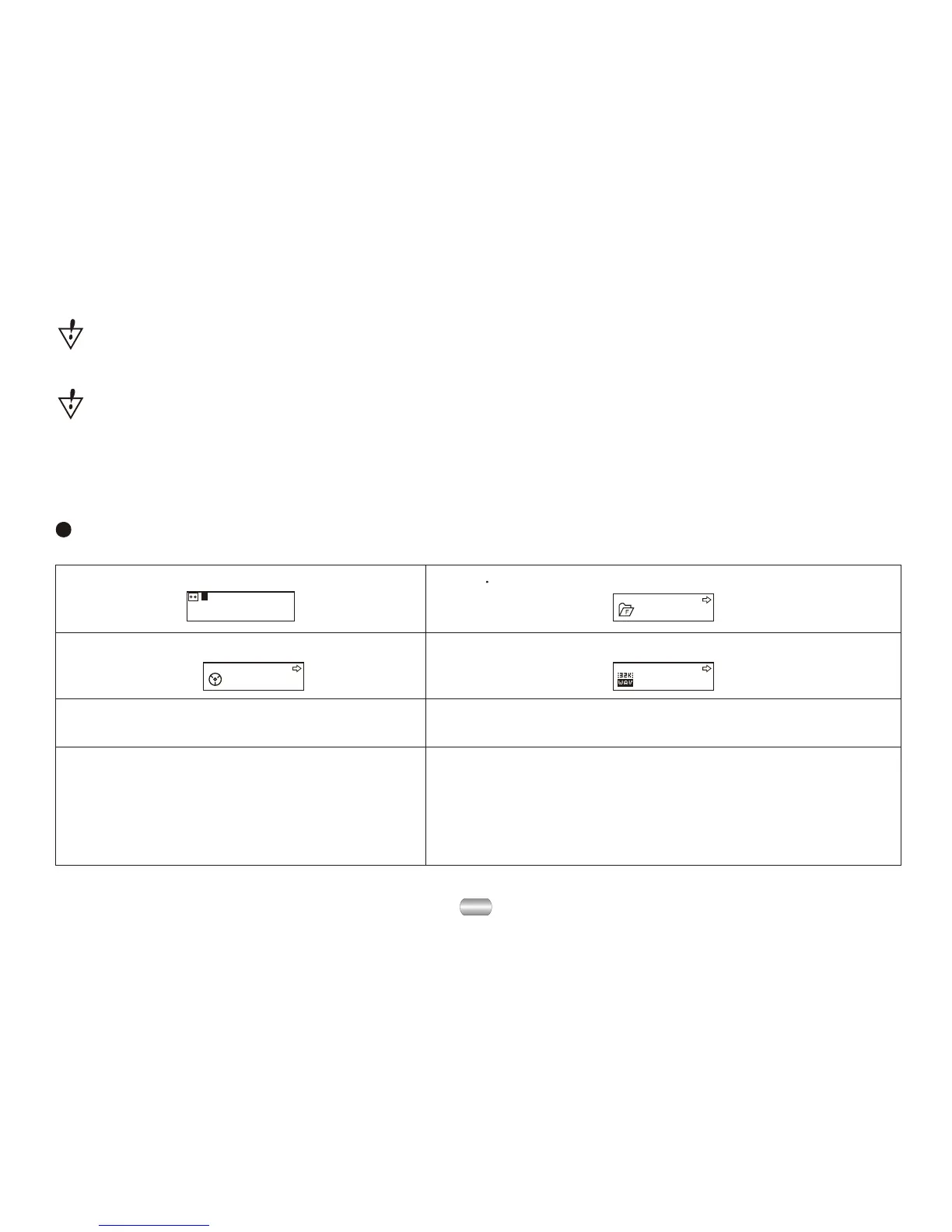
Choose record type
00:00:00
8K/ACT 01/15
REC04 2004/07/28
ROOT
REC type Fine REC
1). At the interface of stop record.
2). 2 Press Mode to enter record submenu.
3). Dial Next, choose the submenu
"record type":
4). Press Mode to enter the option:
5). Dial Next to choose record type. 6). Press Mode to confirm your choice.
7). Press Play to start recording
(VOR can pause recording).
8). Record type:
32K/WMA: high-quality, WAV format
8K/ACT: long recordings ACT format
32K/VOR: high-quality, sound control, WAV
8K/VOR: long records, sound control, ACT
If "The space is full" displays, there is no more space for new files; delete other
files to open more space.
If "The directory is full" displays, there are 99 record files in the current directory;
delete files or switch to another directory.


 To Next Page