5
The unit will lock automatically after the pre-set lock time (please see pg. 14 to
reset the Auto locking time)
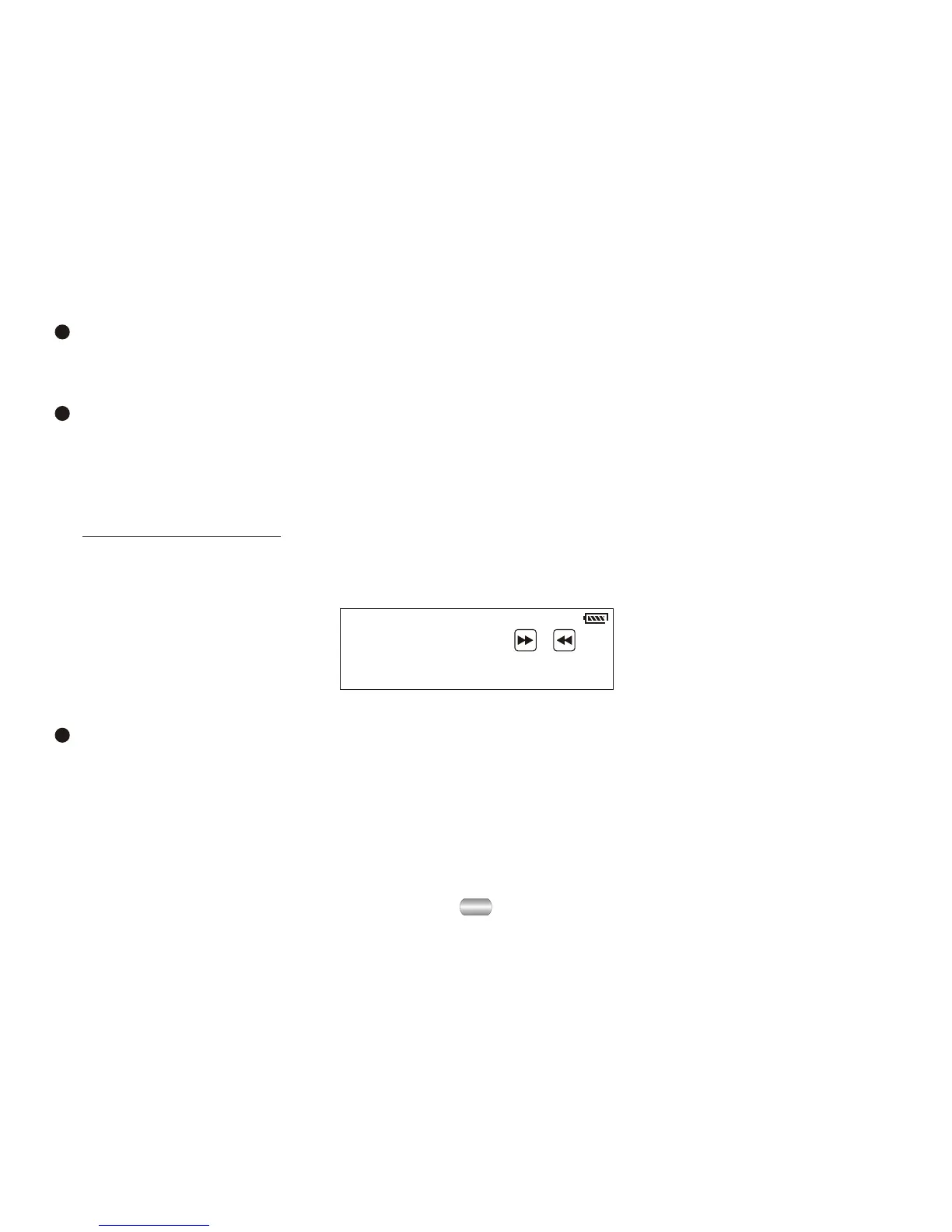
To unlock the unit:
Push the "Next" key then the "Last" key to unlock the unit.
(Please refer to the screen display):
Push key ,
to unlock !
Key lock function
Press PLAY
Play or stop (or pause while recording); exit from submenu.
Adjust volume
Decrease volume by pressing VOL-; increase volume by pressing VOL+.



 To Next Page