21
Under Reread mode, set "Play speed" directly by pressing VOL+ or VOL-.
1
01
01: 13
Jay - Sky.mp3
A
1
01
01: 13
Jay - Sky.mp3
A B
1
01
01: 13
Jay - Sky.mp3
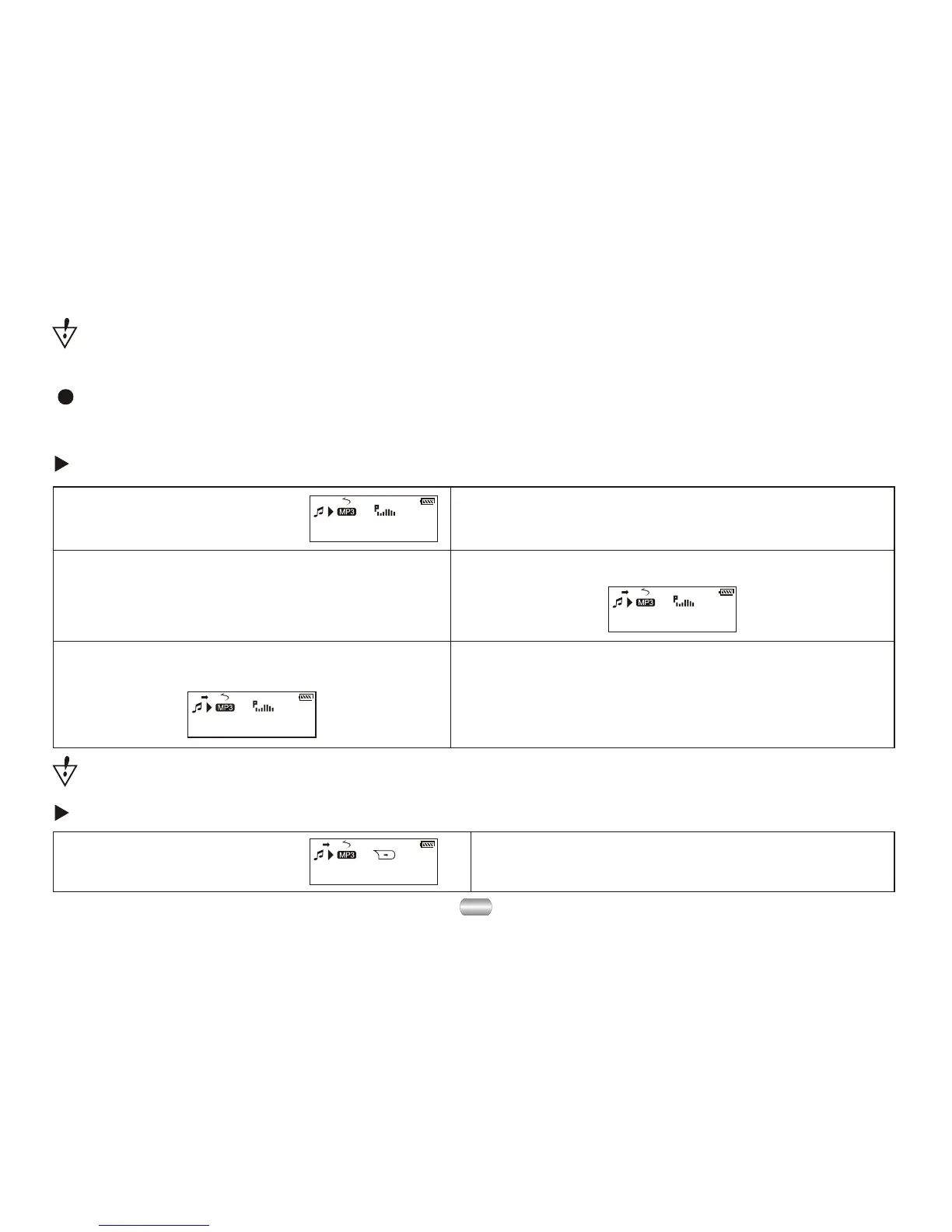
6). Dial Next to confirm starting point B
Repeat play between A-B, exit Reread after
setting times; Set point A again (see "reread
times" below for play time)
1). Play music or record. 2). Press Mode to enter submenu.
3). Dial Next to choose "Reread mode". 4). Press Mode to enter "reread mode":
5). Dial Next to confirm starting point A.
Follow-read (play mode not have this function)
A-B reread
Reread mode (Play submenu)
Enter by pressing "REC/A-B" directly or from submenu.
1). Rereading between A-B. 2). Dial Next to enter follow-read mode.
A B
1
01
01: 13
Jay - Sky.mp3
A B
Attention:
The speed setting will apply to all songs until changed.



 To Next Page