13
Brief introduction to every option
Record Time
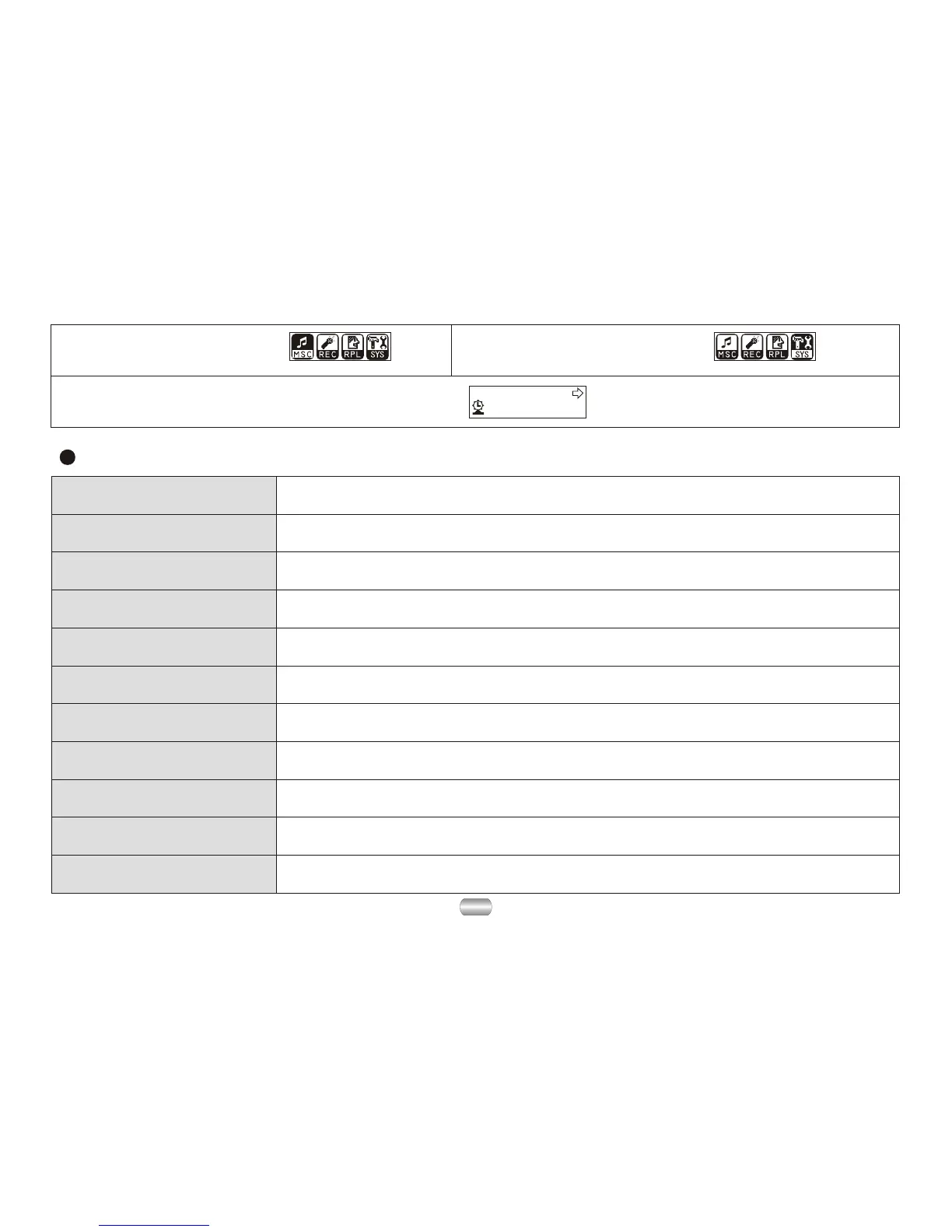
3). Press Mode to enter "System setup".
1). Enter main menu. 2). Dial Next to choose
"system setup".
Record time
Set save time and date for record files
Backlight
The number of seconds the display light stays on
Language
Set different language
Power Off
Set a timer to shut player down automatically
Replay mode
Set the replay to manual or automatic
Contrast
Adjust the contrast of display screen
Online mode
Set the "dream space" function
Memory Info View the memory space filled (megabytes and percent)
Firmware version
Display the version of installed firmware
Firmware Upgrade
Exclusively used for upgrading firmware
Exit
Exit the current interface


 To Next Page