15
Press Mode to enter interface, Dial to choose, press Mode to exit.
Set Language
Set Power off
Set Keylock time
2). Dial Next to select
"Keylock time".
Keylock time
Record Time
1). Interface for setting system.
3). Press Mode to enter interface. 4). Dial Next/Last to
adjust time.
30 0
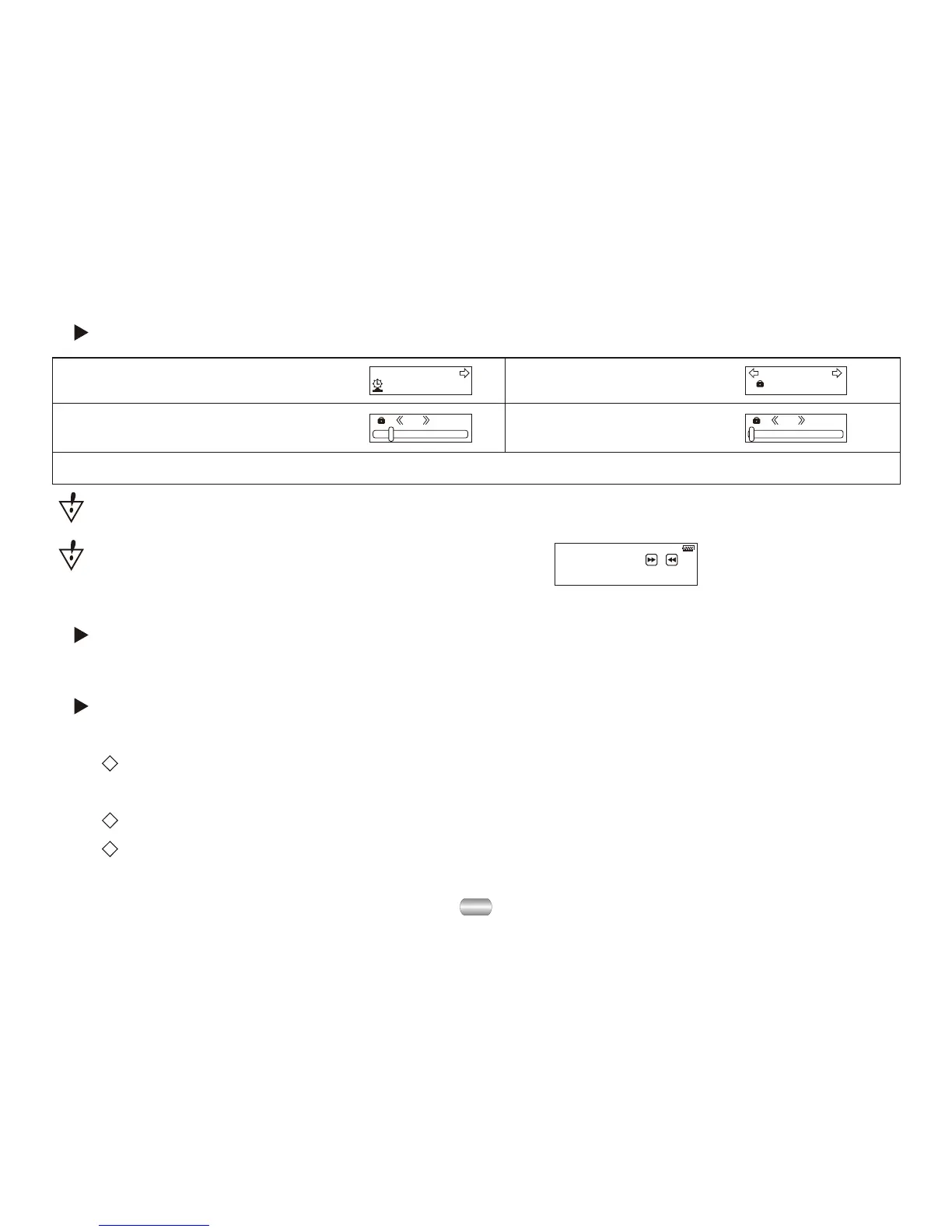
The keys will locked automatically, in the status without any operation and over the
system keylock time.
Push key ,
to unlock !
Press "Next" key and then press "Last" key to unlock
(Please refer to the screen display):
5). To exit press Mode after change.
Power-save mode shuts it down automatically if in the set time no key is
pressed and player is stopped;
"0" denotes that this function has been closed;
"Sleep mode" shuts it down automatically if in the set time no key is pressed
whether player is stopped or playing. Works once after being set.
See "Backlight time", operations are the same, then:



 To Next Page