Preferencias 76
Seleccionar idiomas
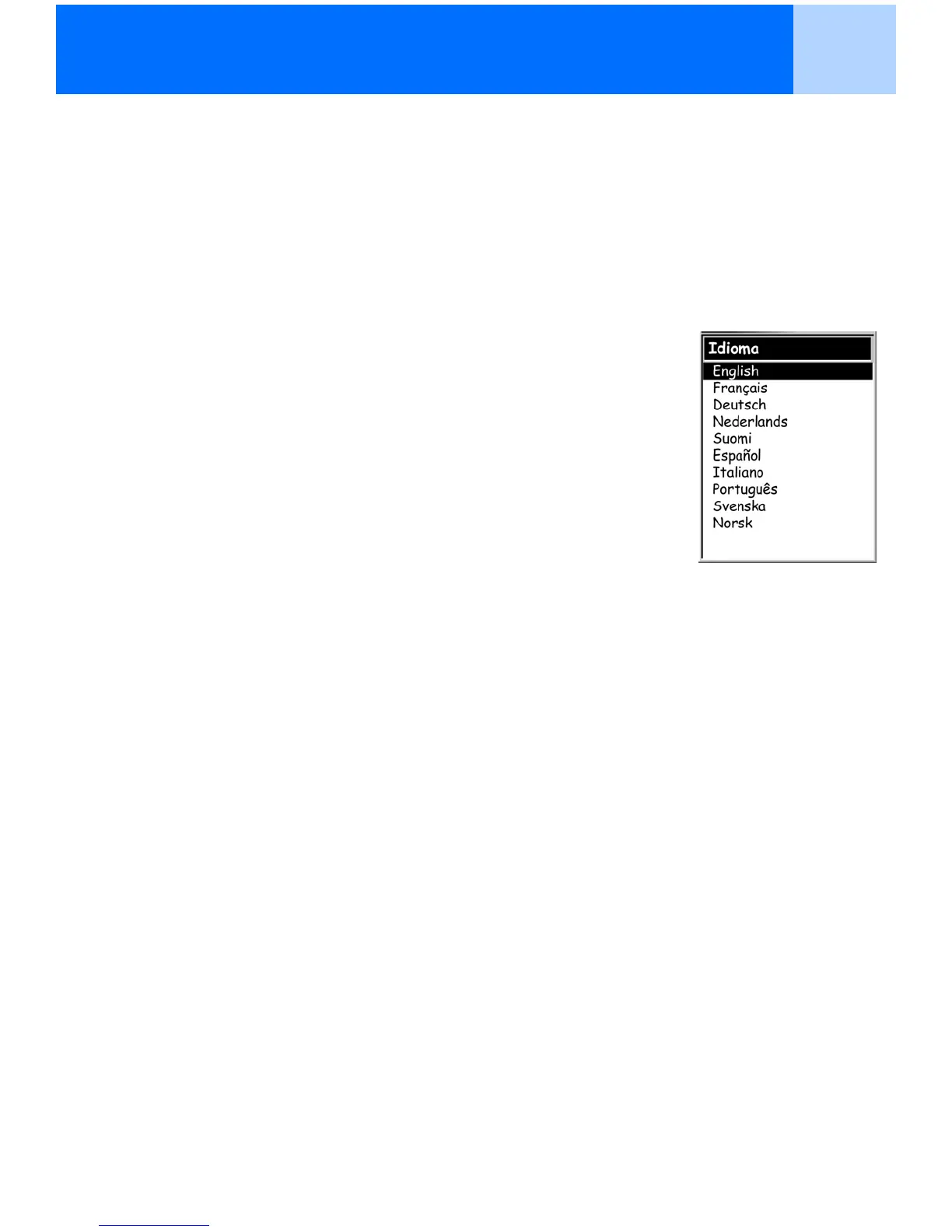
El eXplorist puede configurarse para mostrar la información en hasta diez idiomas diferentes.
Puede seleccionar entre inglés (English), francés (Français), alemán (Deutsch), holandés
(Nederlands), finlandés (Suomi), español, italiano (Italiano), portugués (Português), sueco
(Svenska) o noruego (Norsk).
Seleccionar el idioma del eXplorist
1. Pulse MENU.
2. Utilice el joystick para marcar Preferencias.
3. Pulse ENTER.
4. Utilice el joystick para marcar Idioma.
5. Pulse ENTER.
6. Utilice el joystick para seleccionar el idioma deseado.
7. Pulse ENTER.



 To Next Page
 Loading...