16
Editing the Landmark Name
Following the instructions under Viewing a Landmark, use the
LEFT/RIGHT arrows to select the landmark whose name you
wish to edit.
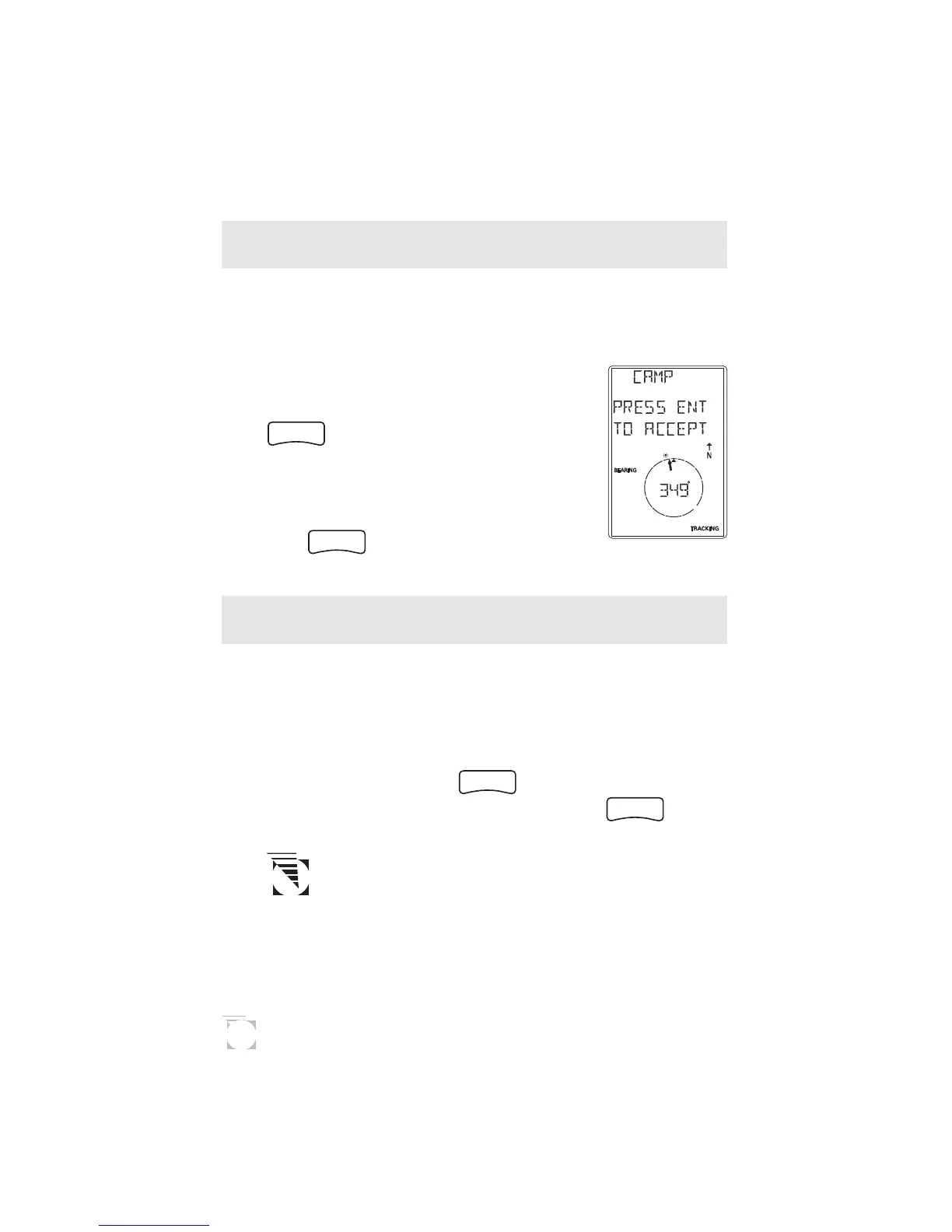
Press the UP ARROW until the screen
displays ENT TO EDIT NAME, then press
ENTER
. The GPS 300 then allows you to
change the name of the landmark using the
ARROW pad. When you have entered the
name you desire (up to four characters),
press
ENTER
.
Deleting a Landmark
Following the instructions under Viewing a Landmark, use the
LEFT/RIGHT arrows to select the landmark you wish to
delete.
Press the UP ARROW until the screen displays PRESS ENT
TO DELETE, then press
ENTER
. Use the LEFT/RIGHT
ARROWs to confirm (YES or NO) and press
ENTER
.
If the landmark is used in a route or is the destination
landmark in a GOTO route, the GPS 300 alerts you
that the landmark cannot be deleted. Remove the
landmark from the route and repeat.









 To Next Page