23
8. Using the camera
8.1. Taking photos
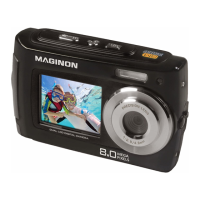
The camera is equipped with a 2.7" colour LCD TFT screen on the back that enables you to
perform settings for pictures, playback recorded pictures or video clips or adjust menu settings.
1. Press the ON/OFF button to turn on the camera. The camera will automatically be in the
photo mode [ ].
2. Use the macro button to correctly adjust the distance to the object being photographed.
Select the ower symbol [O] when you want to make a close up photograph (11 cm -18 cm).
If you want to record a video or photo of the surroundings or people from a distance of more
than 0.5 meters, set the macro switch to normal mode [N].
3. If you are unsure whether the illumination is sucient switch on the automatic ash [b]
using the ash button. The ash will not re if the battery is too weak.
Note:
• Please note that a motion blur can occur in low light conditions or during flashphotography.
Be sure to keep the camera steady or use a tripod.
• The picture may be distorted if, for example, the photo is shot from within a fast moving
vehicle.


 To Next Page