7
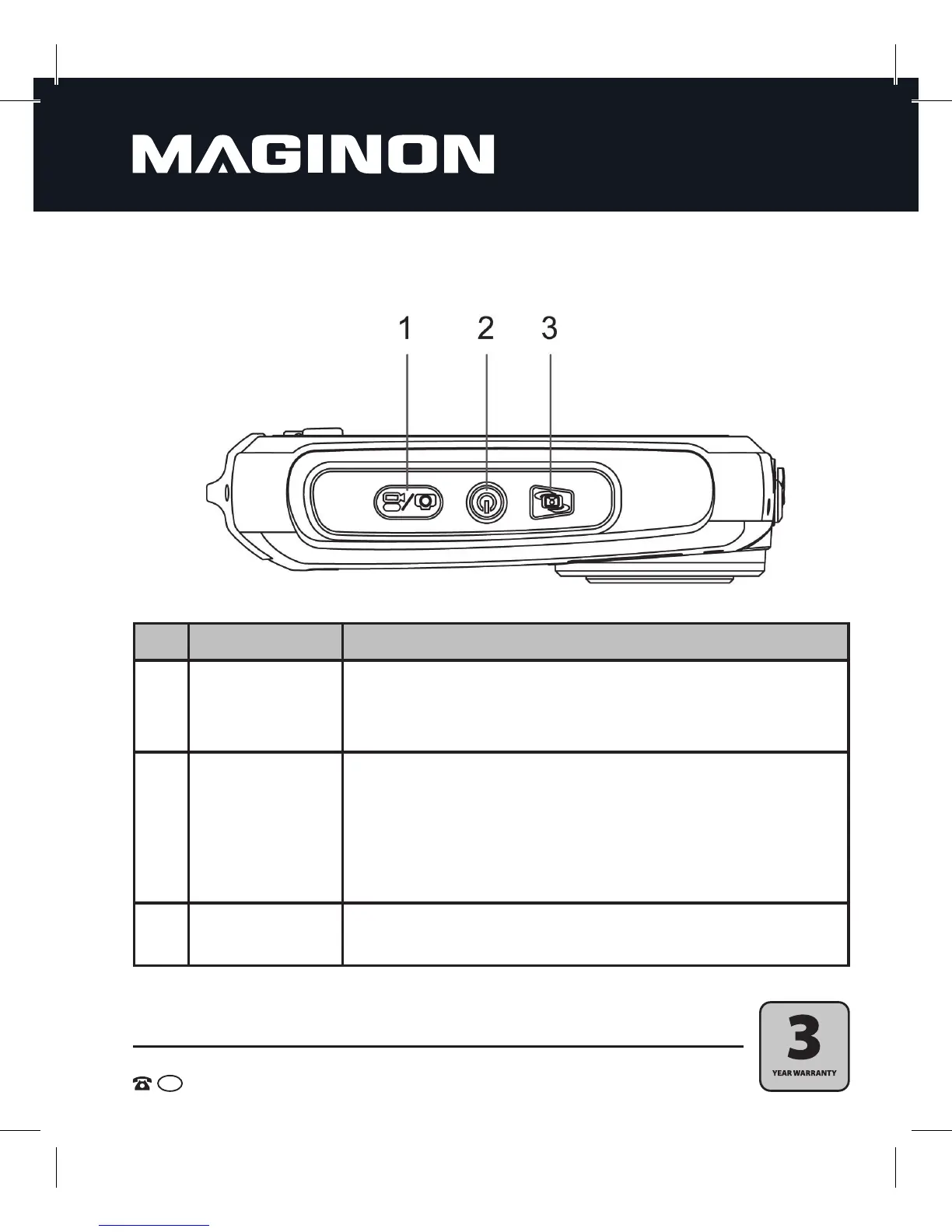
No. Element Description
1 Trigger
Press this button to take pictures, to start and end video recordings, or
to confirm changes to the menu.
2 Main switch on/off
Press this button for 2 seconds to turn on the camera and press it
again for 2 seconds to turn the camera off.
Briefly press this button to set the displaying of the rear monitor
symbols to on or off.
3
LCD display
switching button
Use this button to switch back and forth between the front and rear
monitor.
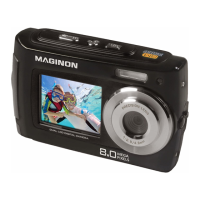
4. This is your camera
View from above


 To Next Page