9. Connecting to a Computer
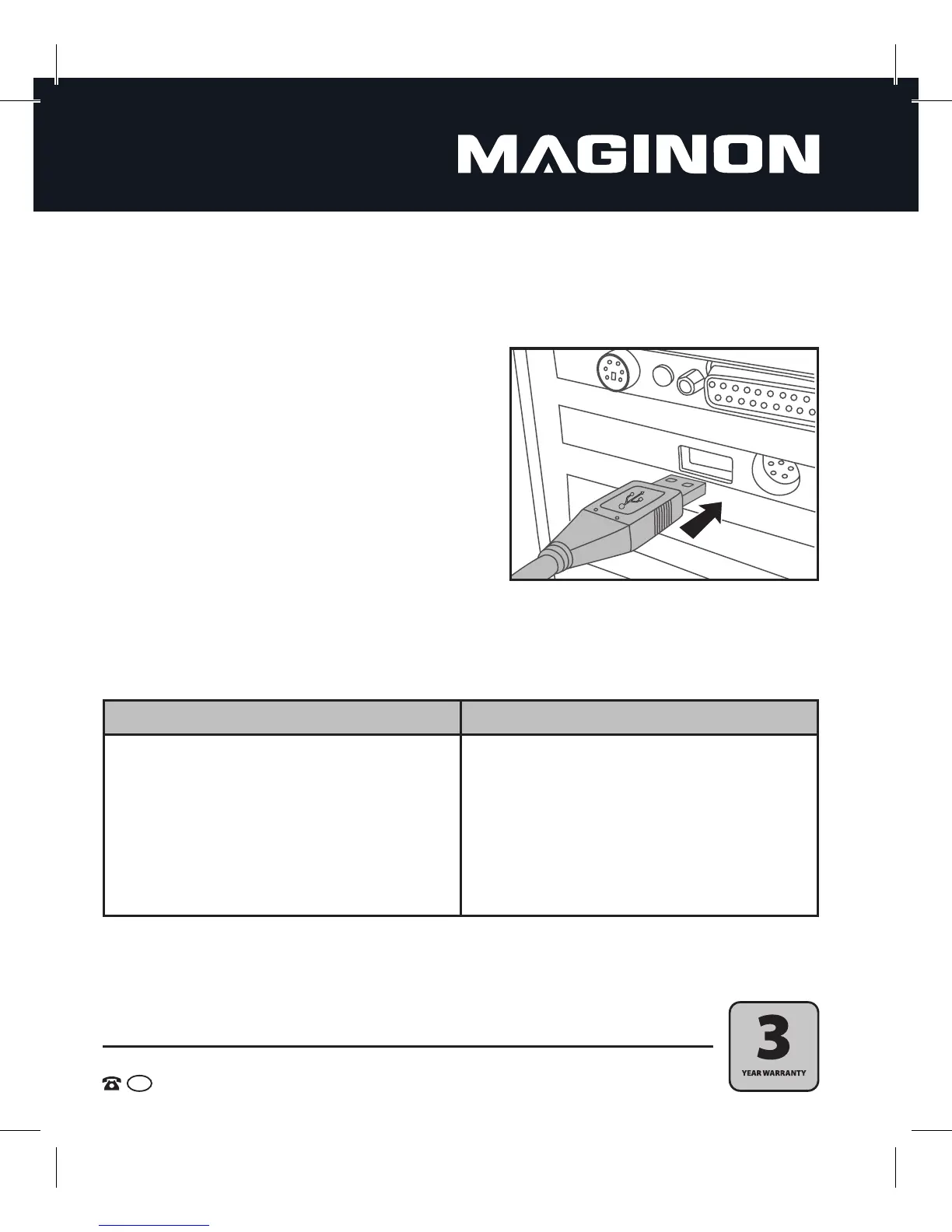
The camera can be connected to a computer as a mass storage device via the USB port. This way,
photos and videos can be transferred to the computer.
1. Connect the camera to your computer using the
USB cable.
2. Turn the camera on. The camera will be supplied
with power through the USB connection.
3. The camera will install itself on the computer as
an additional drive called "Removable Disk".
4. If you double click on this drive, you can copy or
move the photo and video les to a folder on your
computer.
5. System requirements
Windows ® Macintosh
Pentium ® IV 3.0 GHz or higher
Windows® XP/ Vista/7/8
2 GB RAM
1 GB of available hard disk space
CD or DVD drive
Available USB port
PowerPC G4/ G5
OS 10.6.8 or newer system
2 GB RAM
1 GB of available hard disk space
CD or DVD drive
Available USB port


 To Next Page